01/28/02
Page 10.7
Flat to round
Kent Pad Printer Canada Inc.
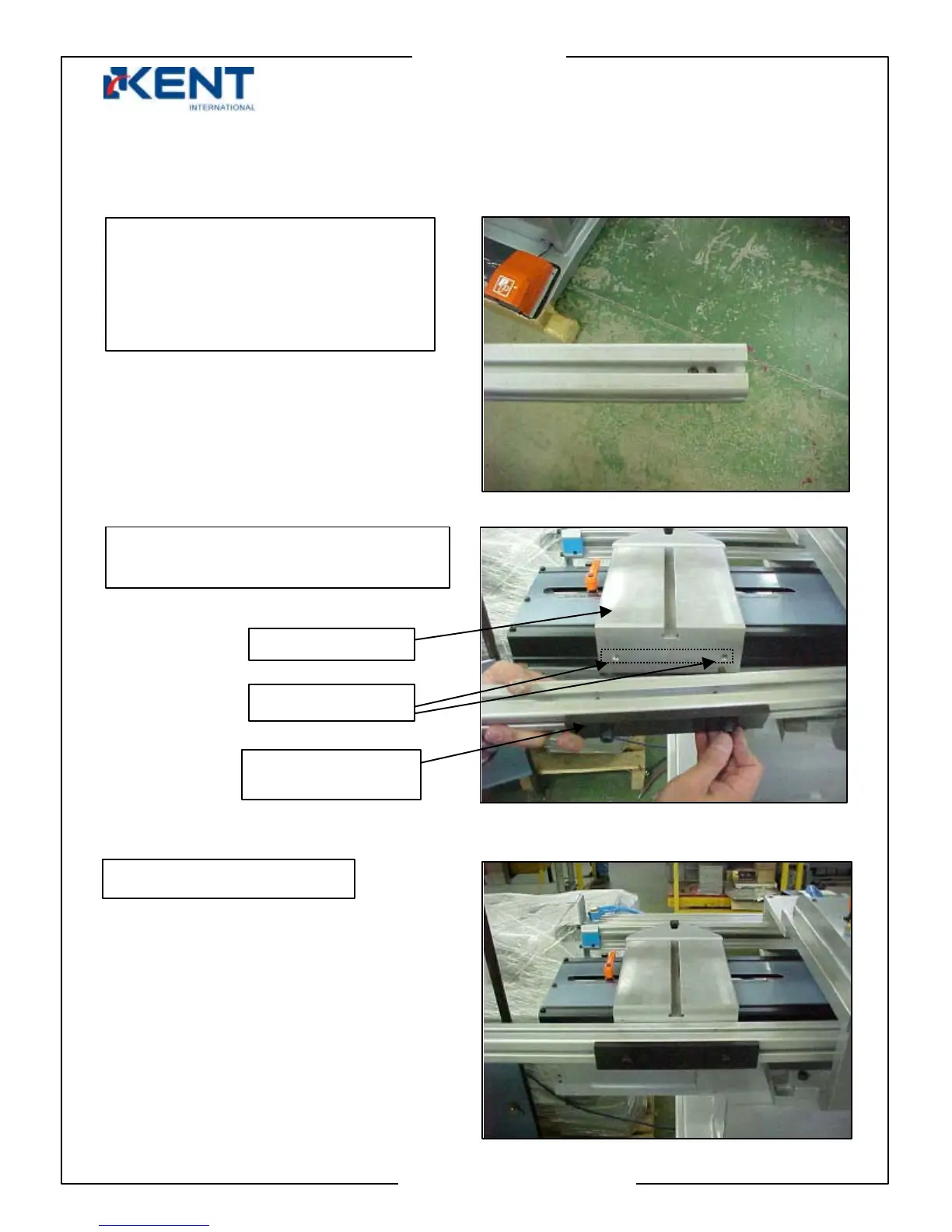
12. Mounting profile against carriage.
Mount profile against carriage by 2
screws as shown.
Remove both screen arms from
profile then turn profile until you see
two mounting holes on one end.
These holes should be facing up to
your right while mounting to carriag
as shown next.
Showing profile installed
Mounting holes
Carria
e
Insert black piece
and screw on



 To Next Page