32
4.4 Digital display
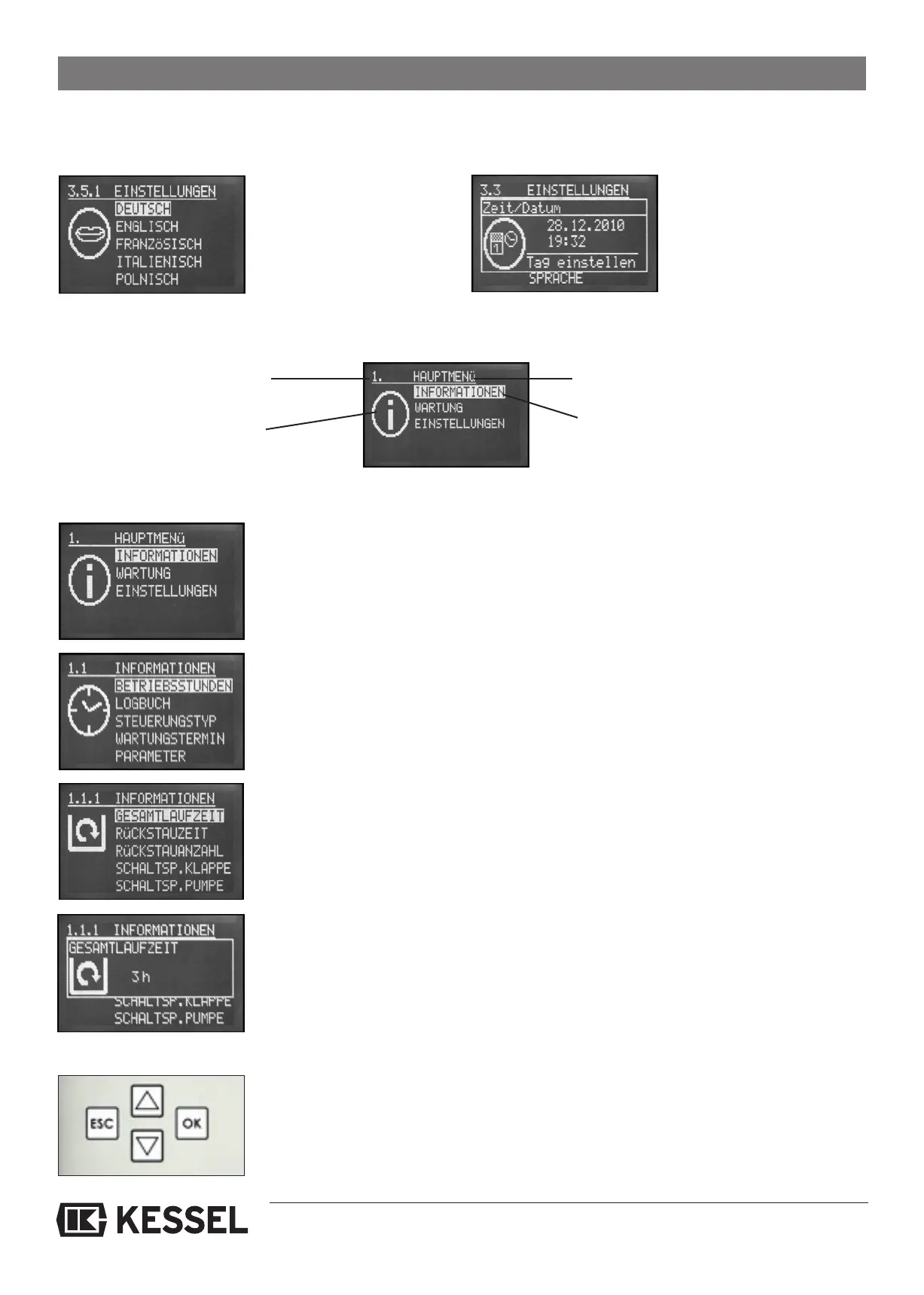
4.4.1 Initial commissioning
4. Control unit operation
a)
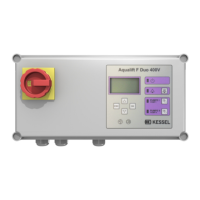
When the control unit is first
connected to power Illustra-
tion 3.5.1 will appear on the
control unit’s digital display.
Use the cursor to mark the
required language and con-
firm this with the OK button.
b)
Use the cursor to choose the
word ‘Tag’ (Day) on the dis-
play and also confirm this by
pressing the OK button. The
cursor automatically jumps
to ‘Monat’ (Month) and the
proper month should also be
chosen.
Menu buttons
4.4.2 Operation charts
The control unit settings have been logically set up to aid in choosing menu selections. The display is set up in three levels –
for example:
1. Main menu
1.1 Sub – menu
1.1.1 Second Sub – menu
1.1.1Additional display of second sub – menu
- next display level
- Pressing the ESC button returns you to the previous display level
- Pressing the up and down arrows ▲ ▼changes the highlited menu option –
pressing the OK button would then choose whichever option is currently highlited.
Number of selected
control unit display
Chosen menu setting
Picture-gram of
selected control unit display
Main menu setting






 To Next Page