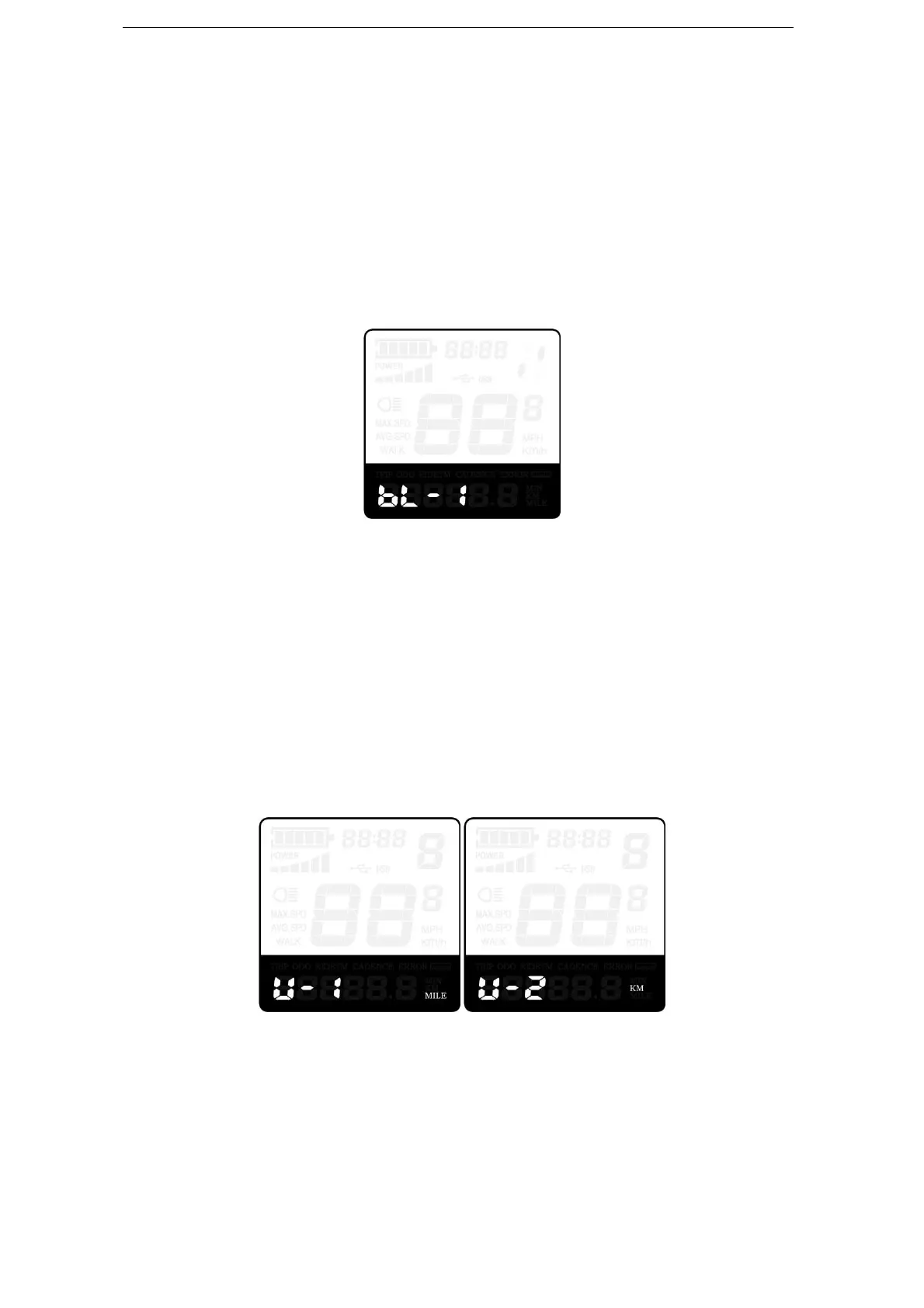
◆Backlight Contrast Settings
‘bL’ represents backlight settings. Level “1” is the low brightness, Level “2” is the
medium brightness, and Level “3” is high brightness. The default level is “1”.
To modify the backlight brightness, press the “+” button or the “-” button to choose the
desired setting value.
To store a changed setting, press the “i” button and then access the unit Conversion
Settings.
Backlight Brightness Settings Interface
◆Unit km/mi Conversion
‘U’ represents unit settings, “1” is mile and “2” is kilometer. The default value is “2”.
To convert unit, press the “+” button or the “-” button to choose the desired setting item,
and then press the “i” button to confirm.
To store a changed setting, press the “i” button and then access trip distance clearance
settings.
To store a changed setting, hold the “i” button for 2s and then exit general settings.
Mile and Kilometer Conversion Settings Interface
General Parameter Settings
To access general parameter Settings interface, hold both the “+” and the “-” button for
2s ( General Settings page) and hold both “-” and “i” button for 2s.



 To Next Page