Slow Start up Settings
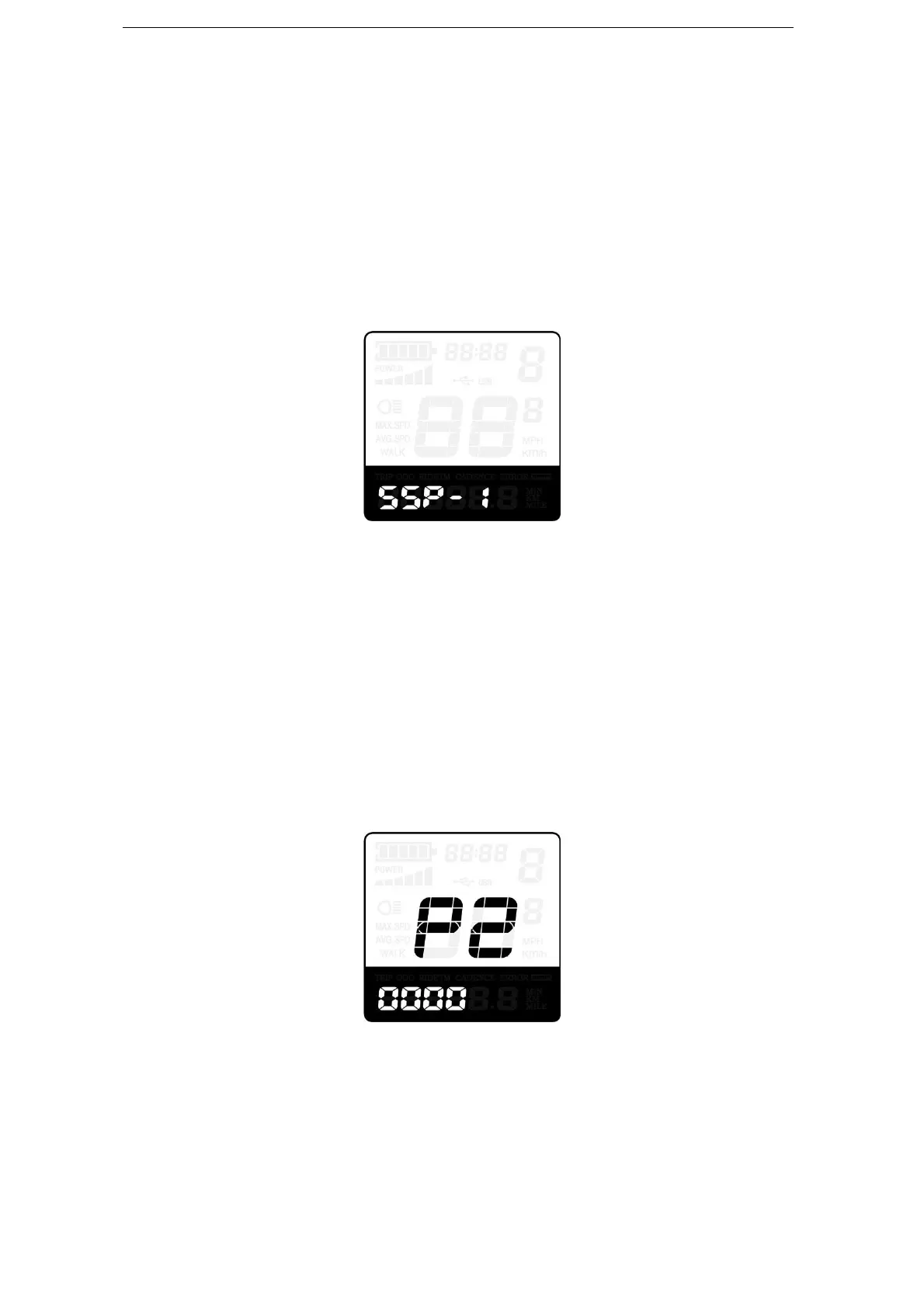
SSP represents slowly start up and the range is “1-4”, “4” is the slowest. The default
value is “1”.
To change slowly start up settings, press the “+” or the “-” button to select the desired
value.
To store a modified setting, press the “i” button and then turn to Delay time settings of
battery power page. Hold the “i” button for 2s to return to previous menu.
Slow Start up settings interface
◆Power-on Password Settings
P2, 0000 on the screen means power-on password settings. The password is 1212.
After accessing power-on password settings, press the “+” or the “-” button to modify the
value and then press the “i” button to confirm digit one by one until the correct 4-digit
password is completed, and then press the “i” button to access power-on password enable
settings interface, otherwise stay still in the password input state.
Power-on Password Entering Interface
◆
Power-on Password Enable/Disable
To change power-on password enable/disable settings, press “+” or “-” button to select
Y or N.
If it is Y, press the “i” button and then access power-on password modify interface,



 To Next Page