CUR Settings Interface
◆Power Assistant Sensor Settings (optional)
The Direction of PAS Settings
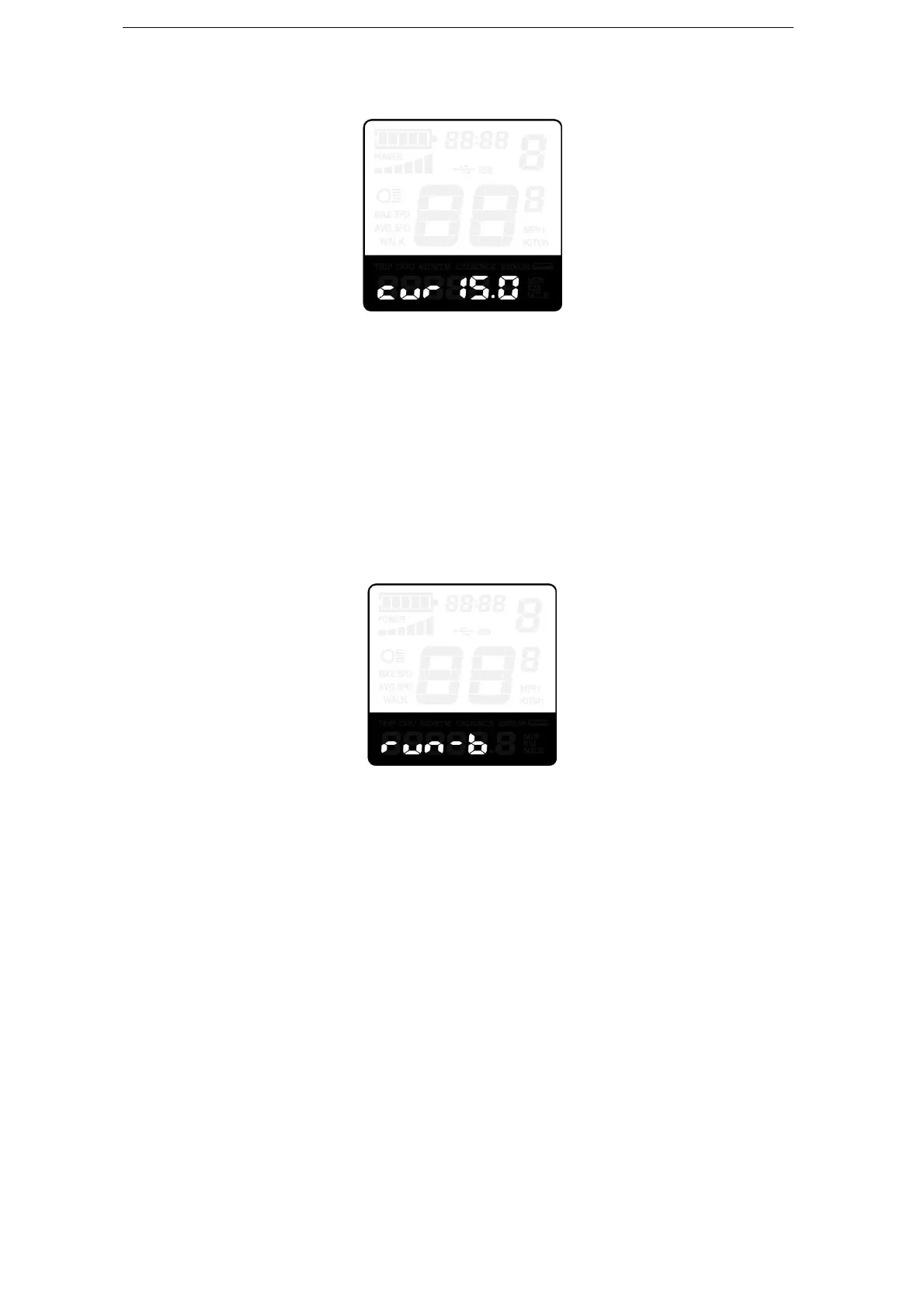
PAS represents power assistant sensor settings. “run-F” means forward direction, while
“run-b” means back direction. The default value is “run-F”.
To change The Direction of Power Assistant Sensor Settings, press “+” or “-” button to
select F or b.
To store a changed setting, press “i” button and access PAS sensitivity settings.
Direction of PAS Sensor Settings
The Sensitivity of PAS Settings
SCN represents the sensitivity of PAS settings. The sensitivity value is “2” to “9”. “2” is
the strongest, “9” is the weakest. The default value is “2”.
To change the sensitivity of PAS sensor, press “+” or “-” button to select sensitivity value.
To store a changed setting, press the “i” button and then access magnet disk settings
mode.



 To Next Page