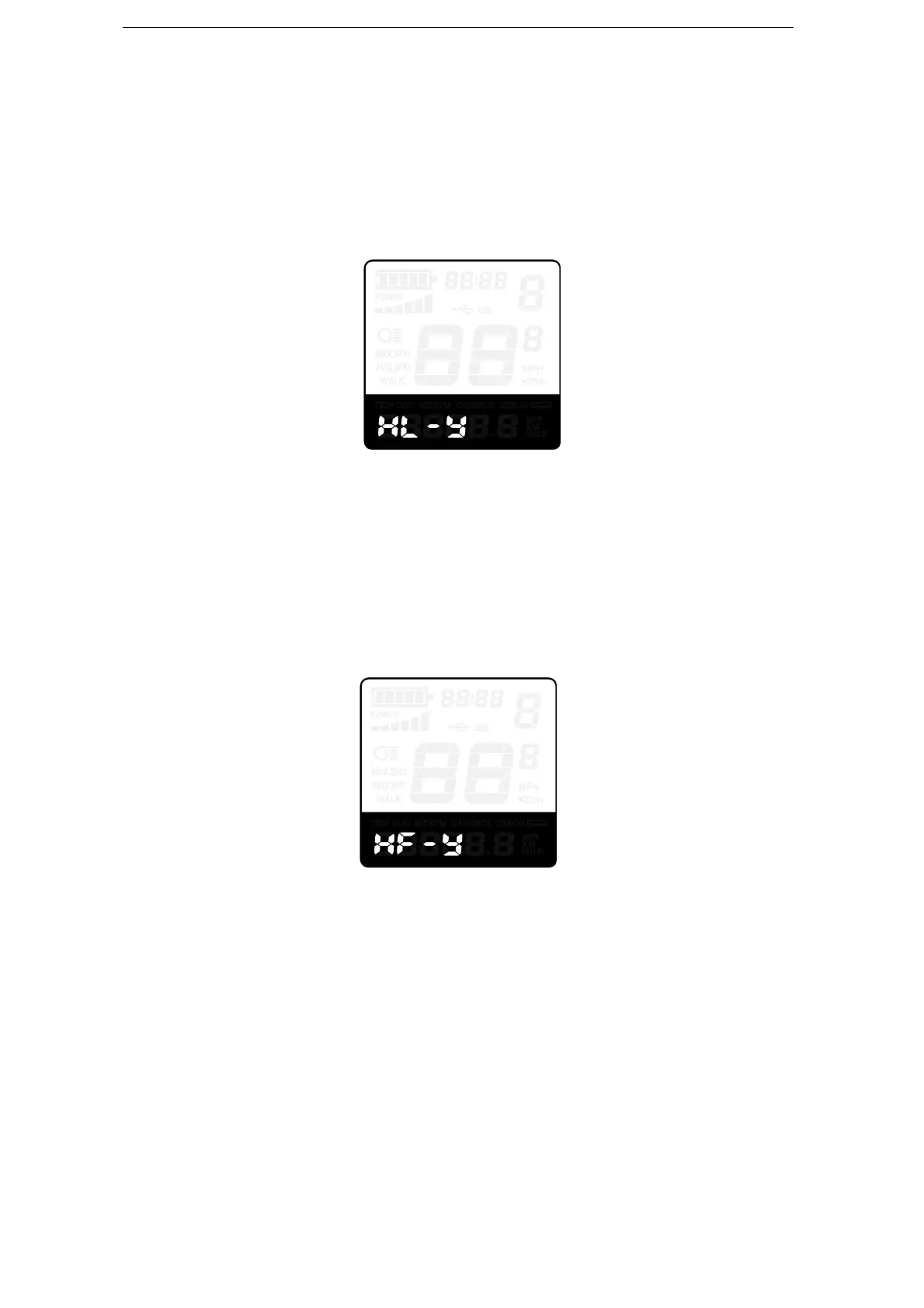
function is disabled. HL-y represents throttle Assist push function is enabled. The default
value is N.
To change throttle push-Assist function, press the “+” or the “-” button to select Y.
To store a changed setting, press “i” button. Otherwise, to select N and then access
Throttle Level Enable Settings.
Throttle Enable/Disable Interface
Throttle Level Enable/Disable
HF-y represents throttle level enabled, HF-N represents throttle level is disabled. The
default value is N.
To change throttle level function, press the “+” or the “-” button to select Y or N and then
press the “i” button to confirm, then access Throttle Enable Settings page.
To return to previous menu, hold the “i” button for 2s.
Throttle Level Enable or Disable Interface
◆System Settings (optional)
Delay Time Settings of Battery Power
DLy represents delay time of battery power settings. The default value is 3s.
To change delay time settings, press the “+” or the “-” button to select delay time 3s, 6s,
12s.
To store a changed setting, press the “i” button and then access the max speed limited.



 To Next Page