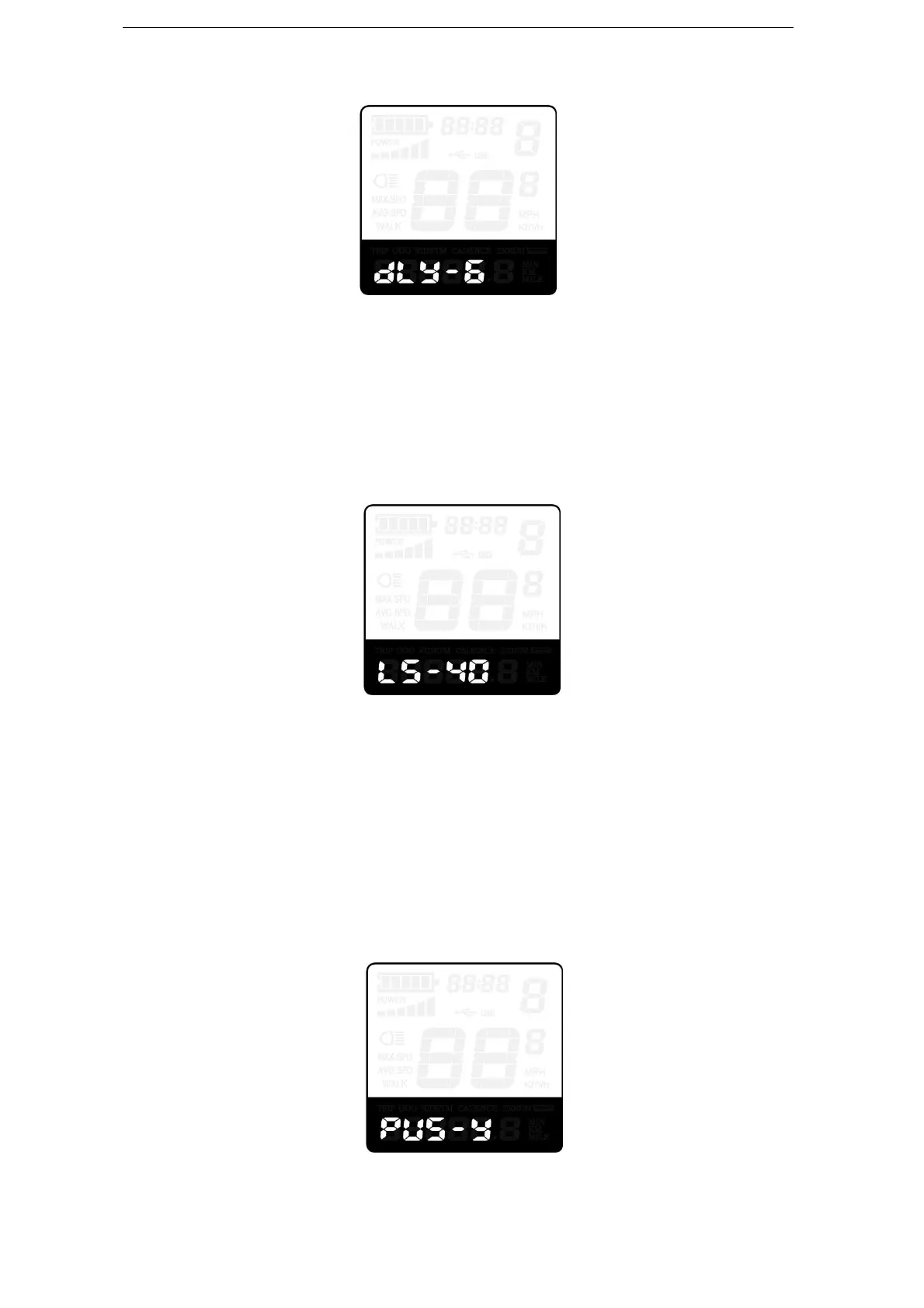
Delay Time of Battery Power Interface
Max. Speed Limited
LS represents max speed limited settings. The default value is 40Km/h.
To change Max speed limited setting, press the “+” or the “-” button to set the max
speed from 25Km/h~40 Km/h.
To store a modified setting, press the “i” button and then access Button PAS Settings.
Max. Speed Limited Settings
▉ The maximum speed limit is set by display manufacturer.
Push-Assist Button Enable/Disable
PUS represents push-assist button settings. Y represents push-assist button is enabled,
N represents push-assist button is disabled. The default value is Y.
To change button push-assist button settings, press the “+” or the “-” button to choose Y
or N.
To store a changed setting, press the “i” button and then access Slow Start up settings.
Push-assist button Enable/Disable settings



 To Next Page