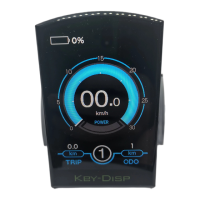
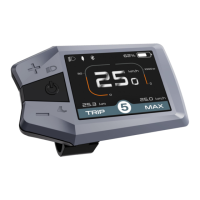
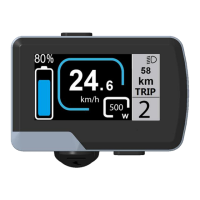
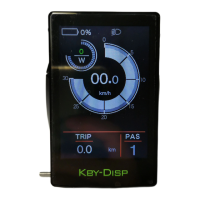
◆Wheel Diameter Settings
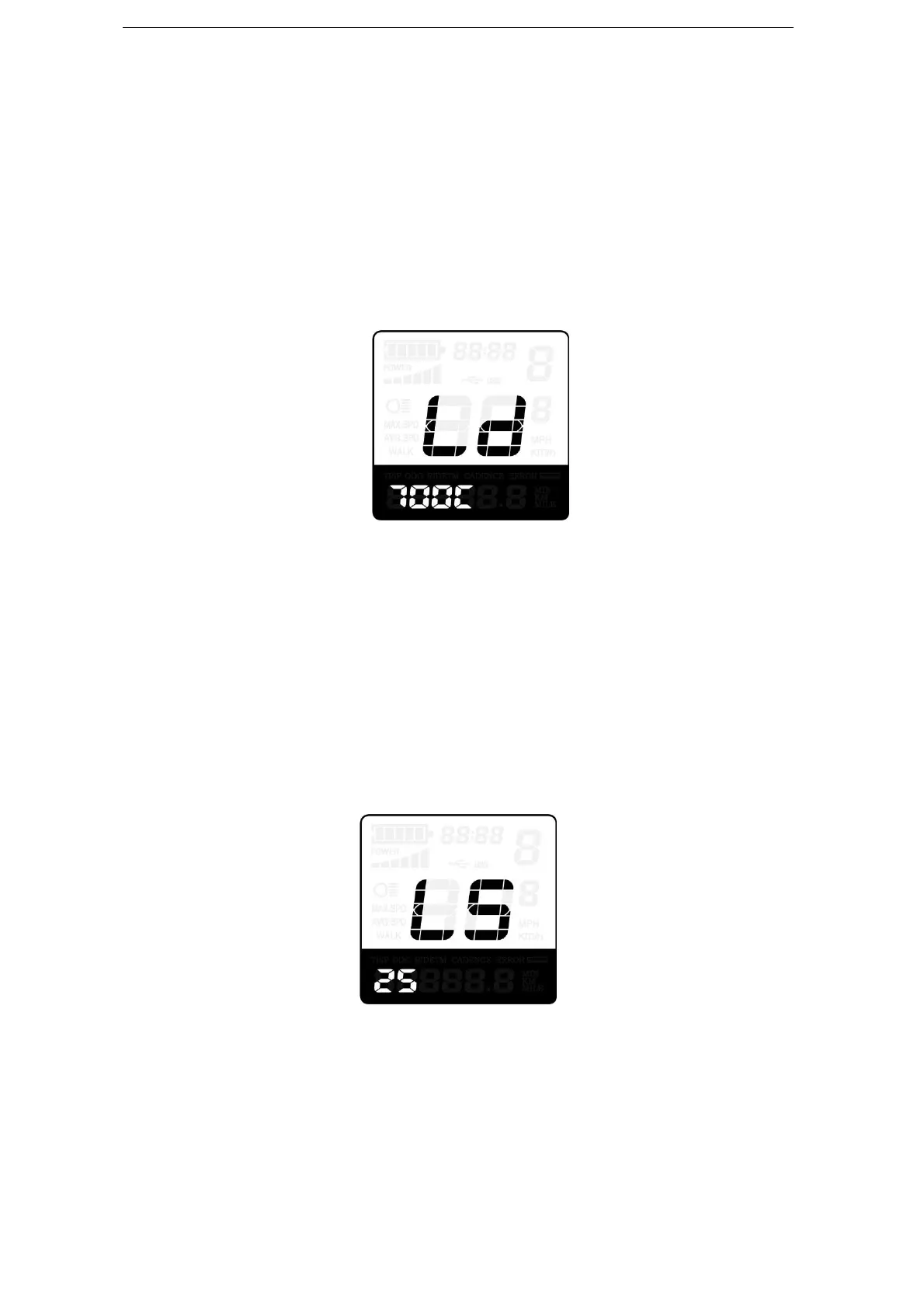
Ld represents wheel diameter settings. Optional values are 16, 18, 20, 22, 24, 26, 700C
and 28. The default value is 26 inch.
To change basic settings, press the “+” or the “-” button to increase or decrease until the
desired value is displayed.
To store a changed setting, press “i” button. Then access the speed-limit settings
interface.
Wheel Diameter Settings Interface
◆Speed-limit Settings
LS represents the limit speed settings. When the current speed is faster than speed limit,
the E-bike system will switch off automatically. Speed limit range is 12Km/h to 40Km/h.
The default value is 25Km/h.
To change basic settings, press the “+” or the “-” button to increase or decrease until the
desired value is displayed.
To store a changed setting and exit General Parameter Settings, hold the “i” button for
2s.
Limit Speed Settings Interface
Personalized Parameter Settings
Personalized Parameter Settings can meet a variety of individual requirements. Key-
Disp displays work under different protocols, support the settings of different optional items.
There are 8 settings items, such as Battery Power Bar Settings, Power Assistant Level
Settings, Over- current Cut Settings, Power Assistant Sensor Settings, Speed Sensor


 To Next Page