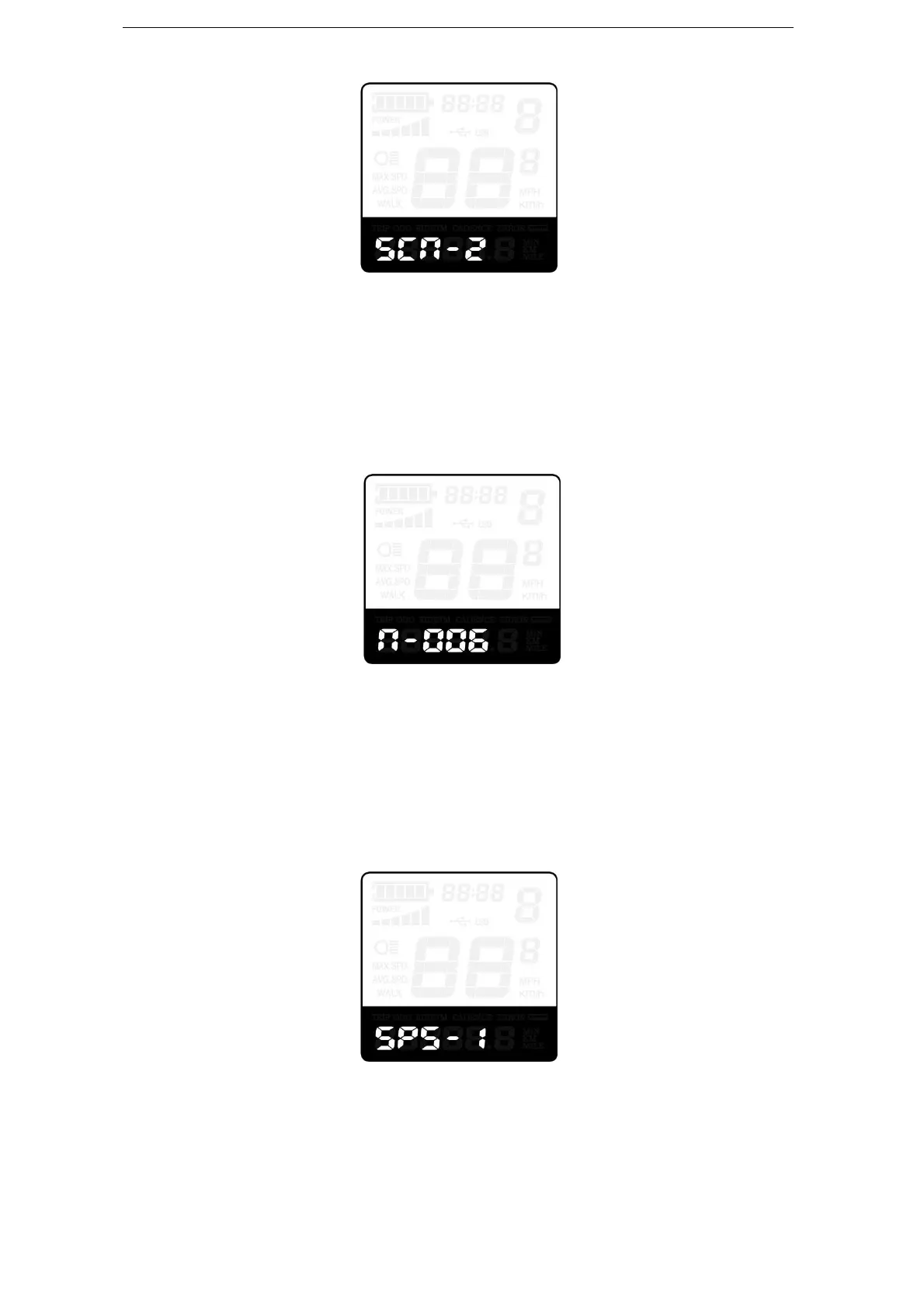
The Sensitivity of PAS Settings
Magnet Quantity Settings
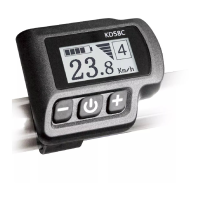
n represents magnet numbers of PAS disk. The default value is 6.
To change magnet numbers of PAS disk, press “+” or “-” button to choose magnet
quantity for PAS disk.
To store a changed setting, hold the “i” button and then return to previous menu.
PAS Magnet Disk Settings
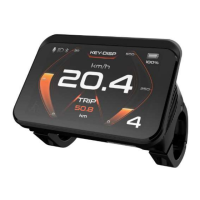
◆Speed Sensor (optional)
SPS represents speed sensor settings. The default value is 1
To change speed sensor settings, press the “+” or the “-” button to select the quantity of
magnet head (the range is from 1 to 15).
To store a changed setting, hold the “i” button and then return to previous menu.
Speed Sensor Selection
◆Throttle Definition (optional)
Throttle Push-Assist Enable/Disable
HL represents throttle push-Assist function. HL-N represents throttle Assist push


 To Next Page