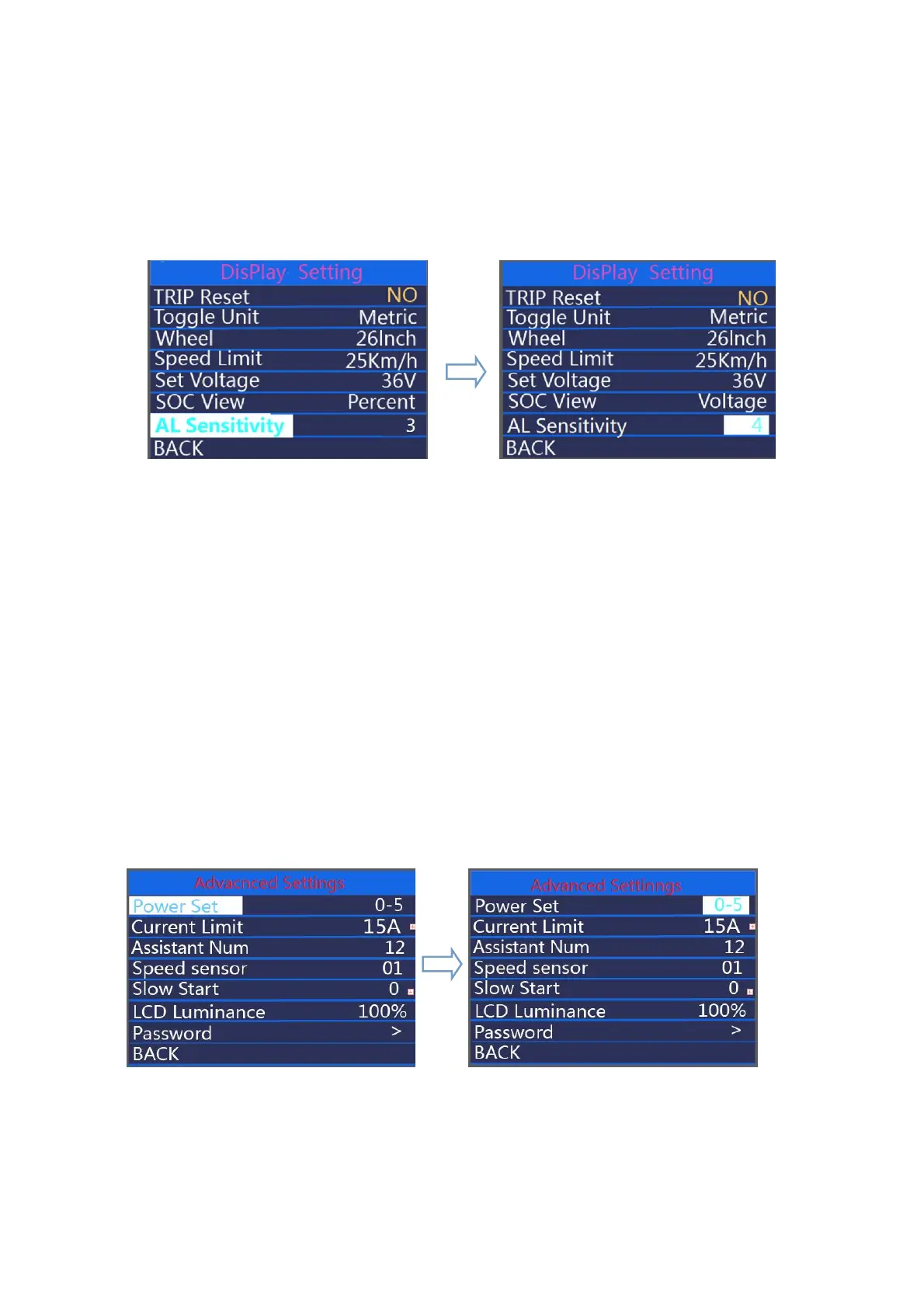
◆AL Sensitivity
AL Sensitivity means light sensor sensitivity. Press +/- button to change the sensitivity
value, the optional value is 01 to 05. press on/off button to confirm and store a changed
setting.
Hold “on/off” button to return to home page or press BACK to return to home pag
AL Sensitivity interface
●Advanced Settings
When DisPlay Setting is done, choose BACK and press ON/OFF button to return to
home page. And press +/- button to move to Advanced Settings
◆Assist Level Settings
Power Set represents assist level settings.
Assist Level Modes
8 assist level modes for your choice:0-3, 1-3, 0-5, 1-5, 0-7, 1-7, 0-9, 1-9. The default mode
is 0-5. To change the mode of assist level, press the “+” or the “-” button to choose the
desired mode and press the “ on/off ” button to confirm and access PAS ratio settings
automatically.
Assist level mode interface
Assist level Ratio Settings
To change the assist level ratio, press the "+" button or "-" button to choose the desired percent



 To Next Page