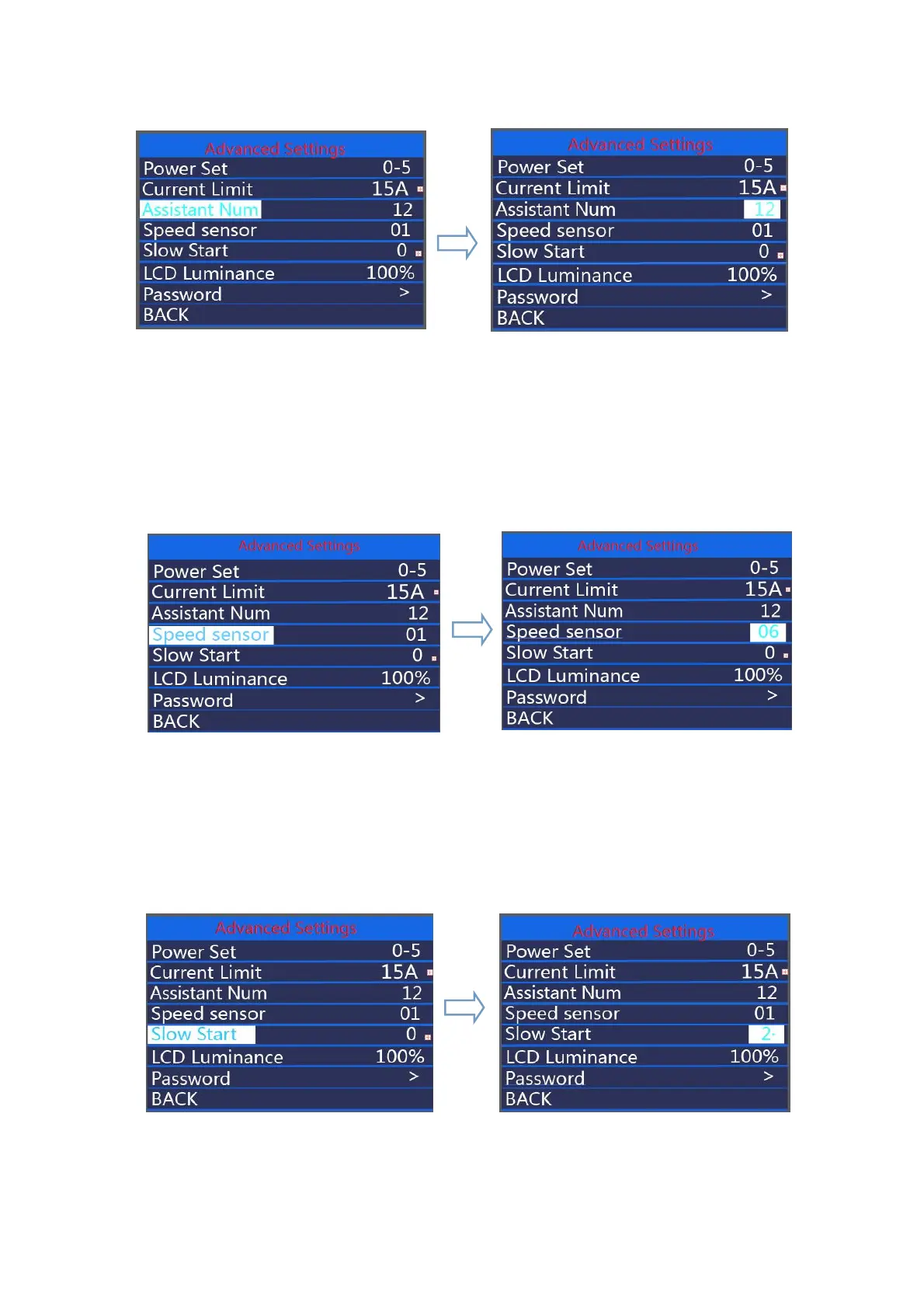
Assistant Num interface
◆
Speed Sensor
Speed Sensor represents speed sensor settings. The default value is 01.To change speed
sensor settings, press the “+” or the “-” button to select the numbers of magnets in the speed
sensor (the settable range is 01 to 12).To confirm and store a changed setting, hold the “on/off”
button. Or
Hold on/off button to return to the home page or press BACK to return to home page.
Speed Sensor interface
◆
Slow Start
Slow start represents slow start up settings. The range is “0-3”, “3” is the slowest. The
default is “ 0 ”.To change slow start up settings, press the +/- button to choose the desired
value.To confirm and store a changed setting, press the on/off button. Or
Hold on/off button to return to the home page or press BACK to return to home page.
Slow start interface



 To Next Page