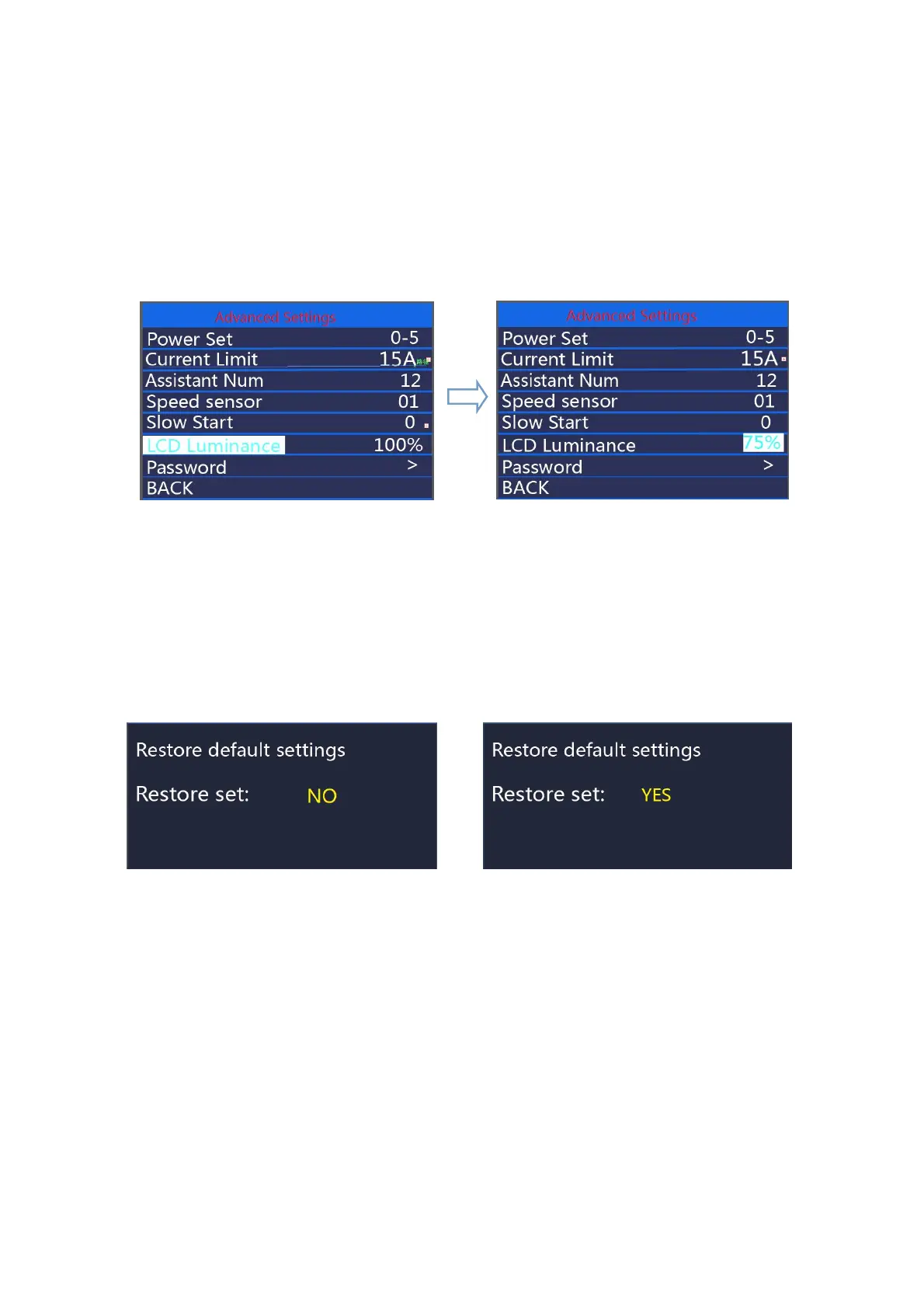
◆LCD luminance
LCD Luminance represents display backlight brightness. 100% is the highest
brightness. 10% is the lowest brightness. 5 settable levels: 100%-75%-50%-30%-10%. The
default is 100%. To change the backlight brightness, press the “+” button or the “-” button to
choose the desired percentage.To confirm and store a changed setting, press the “ on/off ”
button.
Hold on/off button to return to the home page or press BACK to return to home page.
LCD Luminance interface
◆
Factory settings
Hold + and on/off button at the same time for 2 seconds to enter the factory settings page.
Short press +/- to choose YES or NO. Choose YES and hold on/off button for 2s and the display
will be reset to factory settings. When it is done, display returns to home screen. The default value
is Restore set: NO
Factory settings
◆ Password setting
Short press "+" or "-" to select "Password", short press "ON/OFF" to enter the setting, short
press "+" or "-" to select Start PassWord; short press "ON/OFF", Switch "OFF (close)"/"ON
(open)" by following below details. The display password is disabled by default



 To Next Page