10 N5186A MXG and X-Series SA Measurement Guide
Basic Measurements
Setting Up Triggers on the Signal Analyzer
Setting Up Triggers on the Signal Analyzer
1. From the Signal Analyzer Menu Panel (on the top right of the display),
select Mode/Meas > Spectrum Analyzer mode.
2. Select Mode Preset to set Spectrum Analyzer mode to a known state.
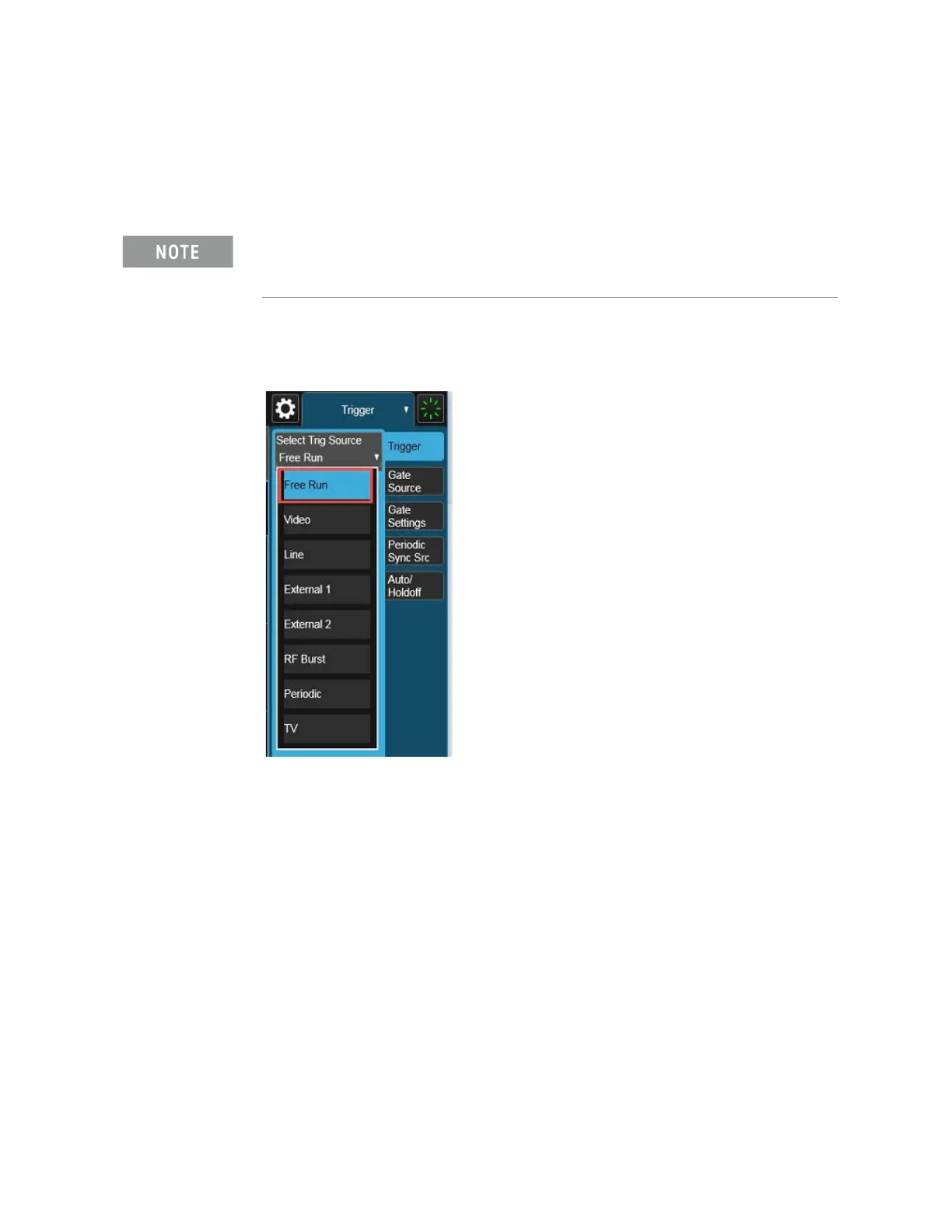
3. From the dropdown on the top right, select Trigger and set Trigger Source
to Free Run.
If accessing the instrument via a Remote Desktop connection, select the
Screen tab (at the top of the display) to open the
Mode/Measurement/View Selector window.



 To Next Page