46 N5186A MXG and X-Series SA Measurement Guide
Corrections
Corrections/De-embedding Using PathWave E7653APPC Software
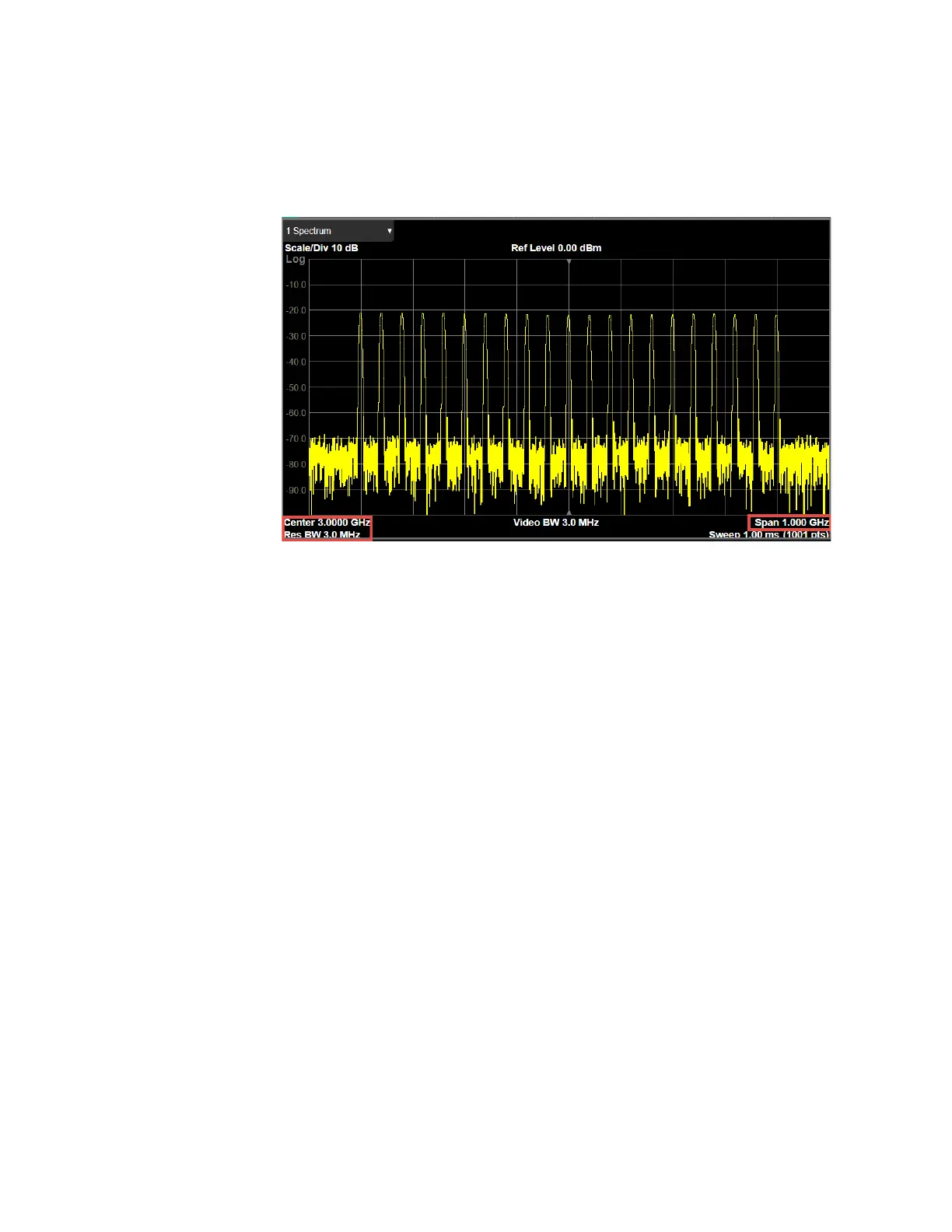
View the results on the X-Series spectrum analyzer. Notice that the
corrections are no longer shown. This is because the de-embedded
corrections applied in Block B cancel the embedded corrections applied in
Block C.
Using a Spectrum Analyzer to Make the Corrections Measurement
When using a spectrum analyzer, it must be locked to the MXG Frequency
Reference. This is important because the power measurement can be
inaccurate due to a narrow resolution bandwidth (RBW) used in the spectrum
analyzer. Supported Keysight X-Series signal analyzers are:
— N9000A/B CXA
— N9010A/B EXA
— N9020A/B MXA
— N9021B MXA
— N9030A/B PXA
— N9032B PXA
— N9040B, N9041B, or N9042B UXA
On the MXG:
1. Connect the Ref Out to the N90x0A/B Ext Reference In.
2. Connect cable or DUT between the MXG RF Out and the signal analyzer
RF in.
3. Select Preset > Preset to set the instrument to a known state.
4. Set the Frequency to 3 GHz and Amplitude to –10 dBm.



 To Next Page