N5186A MXG and X-Series SA Measurement Guide 47
Corrections
Corrections/De-embedding Using PathWave E7653APPC Software
5. Select the Signal block to open.
6. Select the Mode dropdown and select Multitone.
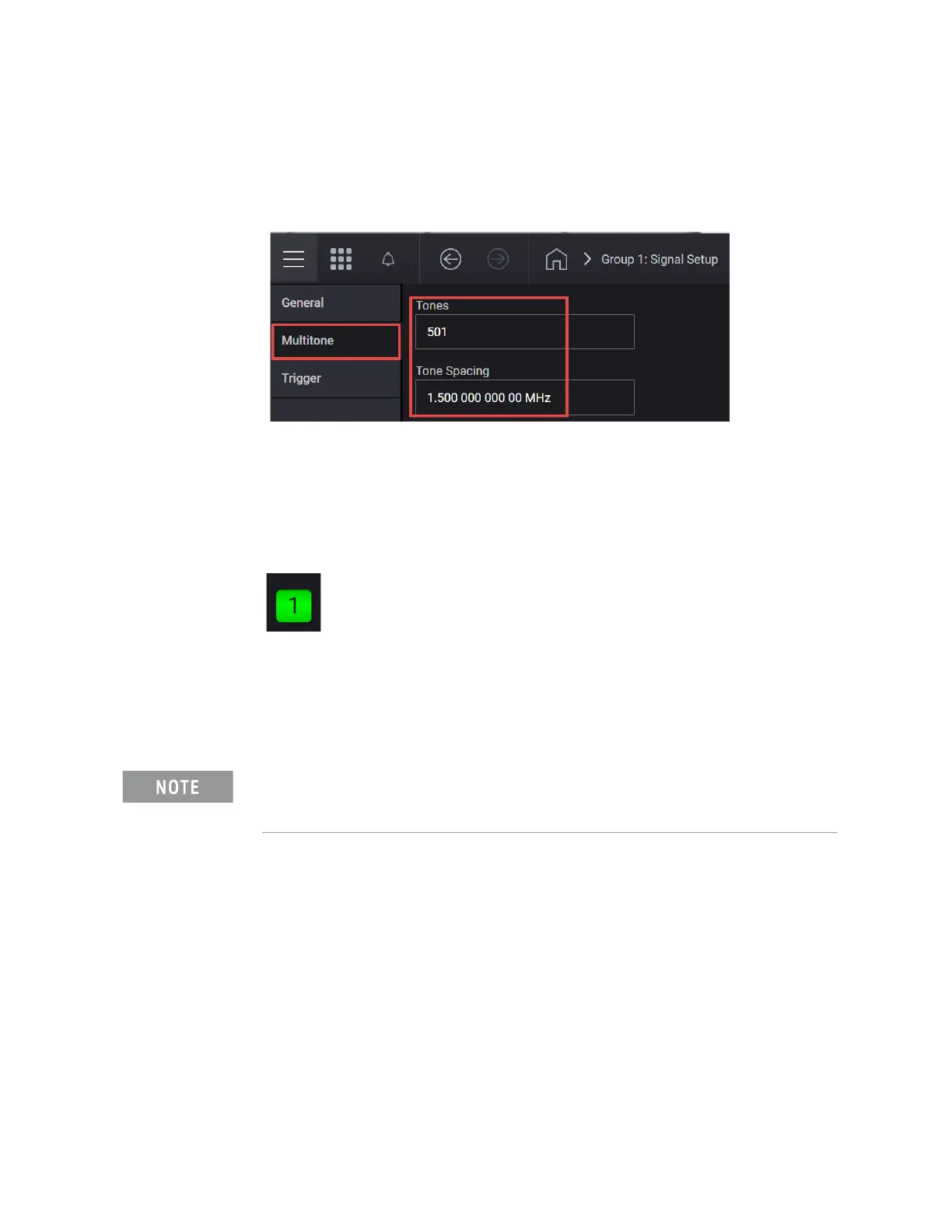
7. Select the Multitone tab from the left panel and then, configure the signal
to have 501 Tones with 1.5 MHz Tone Spacing.
8. Select the General tab > Enable.
9. Select the Home icon and set RF Out to On by selecting the numbered
channel indicator switch.
This enables the RF Out for the indicated channels, in this case Channel 1
if using a multi-channel MXG.
On the Signal Analyzer:
1. From the Menu Panel (on the top right of the display), select Mode/Meas >
Spectrum Analyzer mode > Occupied BW Measurement > OBW Results
View.
2. Set the Center Frequency to 3 GHz and the Span to 1 GHz.
Observe how the fixturing is impacting this signal, including the flatness
and the total power.
If accessing the instrument via a Remote Desktop connection, select the
Screen tab (at the top of the display) to open the
Mode/Measurement/View Selector window.



 To Next Page