N5186A MXG and X-Series SA Measurement Guide 75
5G New Radio (NR) Measurements
5G Waveform, EVM, and ACP Analysis
Setting Up a 1 CC 3.5 GHz ACP Measurement
Setup the MXG:
1. Select Preset > Preset to set the MXG to a known state.
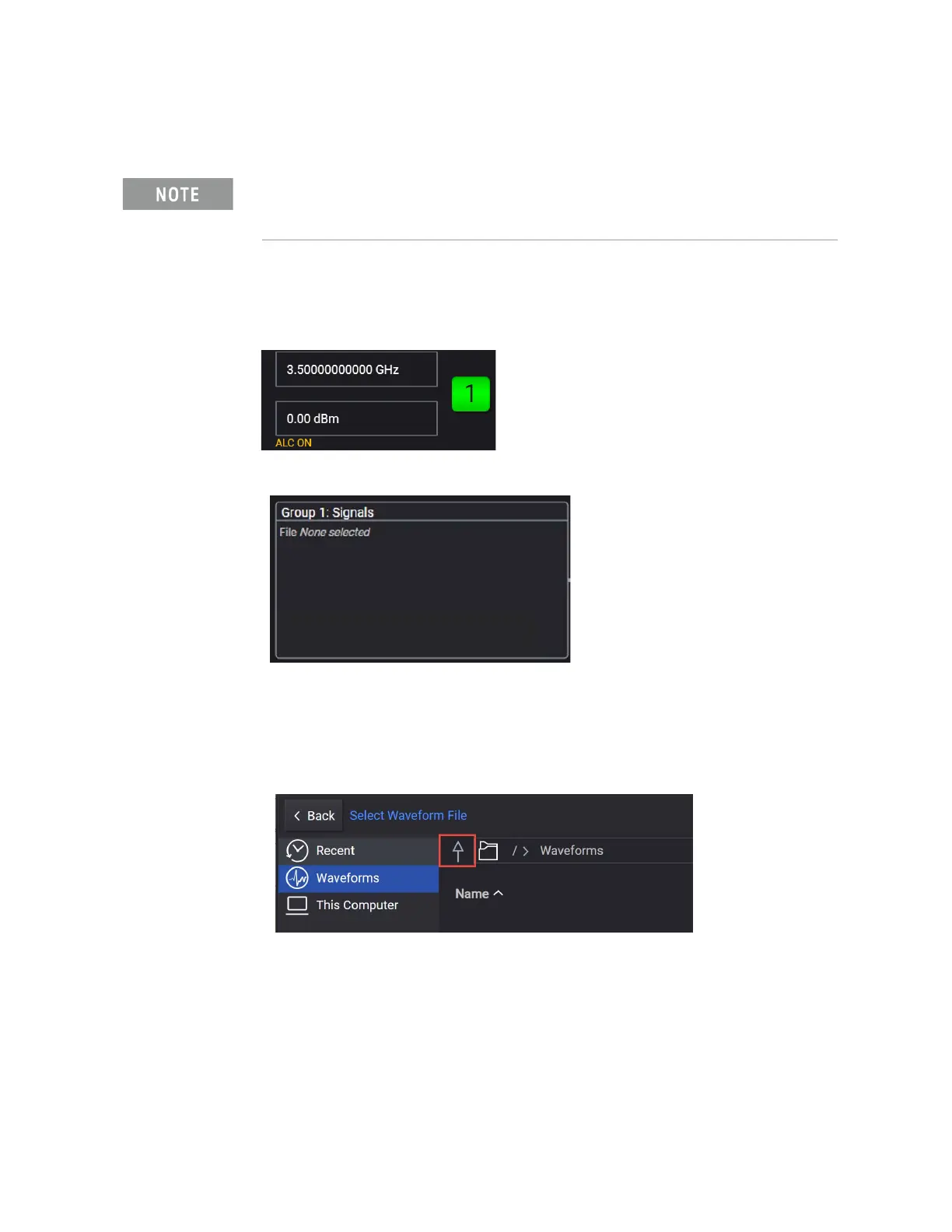
2. Set Frequency to 3.5 GHz and Amplitude to 0 dBm.
3. Select Group 1: Signals block to open.
4. From the Waveform tab on the left side of the display, choose File Select
to navigate to the Waveforms folder.
5. Select the Up arrow icon to access the Examples folder.
6. Open the Examples folder and highlight
5GNR_1CC_FR1_30kHz_SCS_100MHz_256QAM_DC Punctured.wfm,
then Select.
Ensure the equipment and triggers are properly configured. Refer to
“Equipment Setup” on page 9 and “Setting Up Triggers on the Signal
Analyzer using 5G NR Mode” on page 60
.



 To Next Page