N5186A MXG and X-Series SA Measurement Guide 21
Basic Measurements
Making Measurements
Setting Up Frequency Modulation
Follow the steps below for FM analog modulation using the internal I/Q
modulation source.
Using the graphical user interface
On the MXG:
1. Select Preset > Preset to set the instrument to a known state.
2. Set Frequency to 6 GHz and Amplitude to 0 dBm.
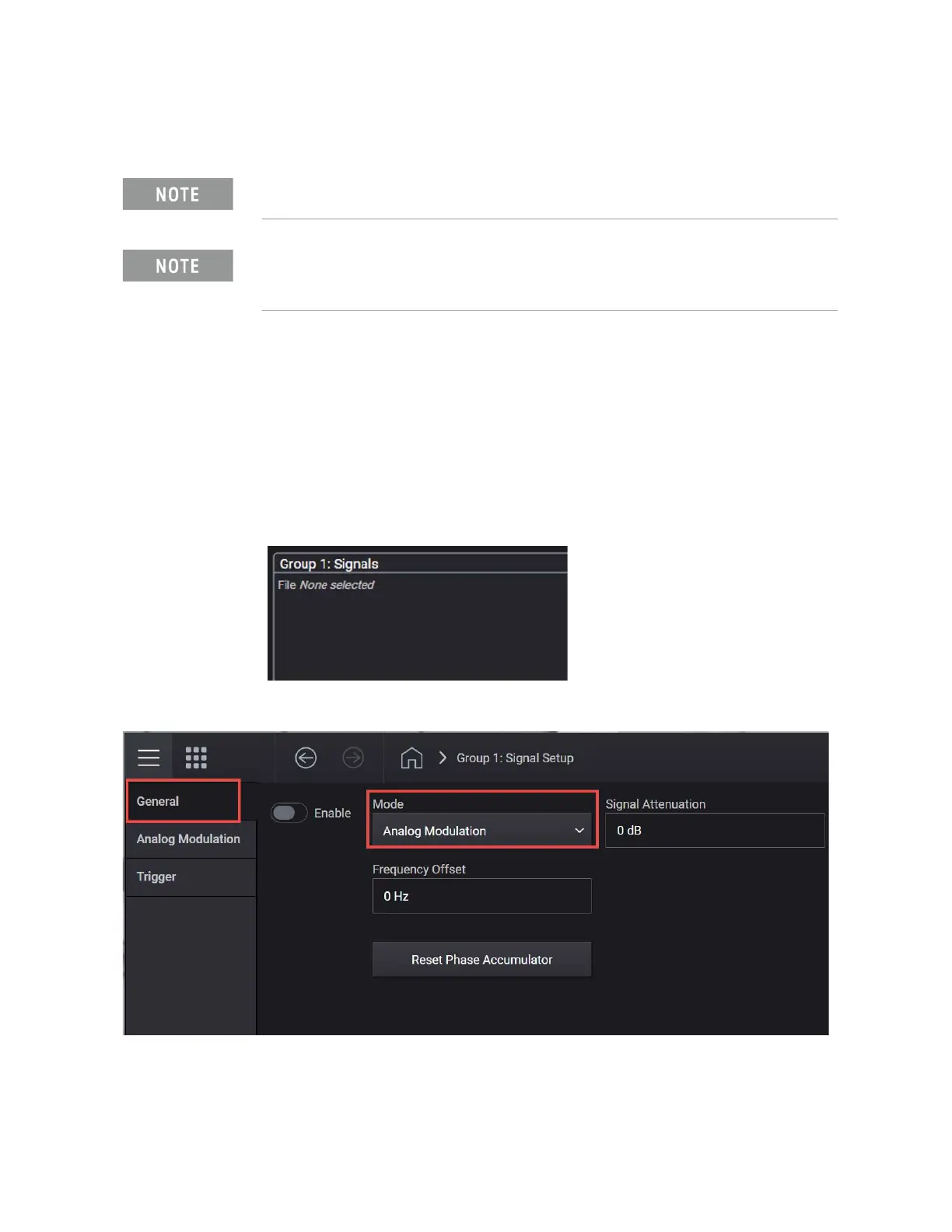
3. Select the Signal block.
4. From the Mode dropdown, select Analog Modulation.
5. From the left pane, select the Analog Modulation tab and set:
a. Modulation Type to FM.
The MXG must have the E7642APPC PathWave Signal Generation for IQ
Based AM, FM, and Phase license installed.
Ensure the equipment and triggers are properly configured. Refer to
“Equipment Setup” on page 9 and “Setting Up Triggers on the Signal
Analyzer” on page 10
.



 To Next Page