N5186A MXG and X-Series SA Measurement Guide 33
Basic Measurements
Making Measurements
Setting Up Waveform File Vector Modulation
In this section, we will load a GSM and a WCDMA waveform into the MXG to
demonstrate the accuracy of the MXG’s vector modulation.
The MXG supports all ARB waveforms that are provided on the X-Series
sources. This section will use a few of the ARB files that come with the X-Series
sources
.
Using the graphical user interface
On the MXG:
1. Select Preset > Preset to set the instrument to a known state.
2. Set Frequency to 6 GHz and Amplitude to 0 dBm.
3. Select the Signal block to open.
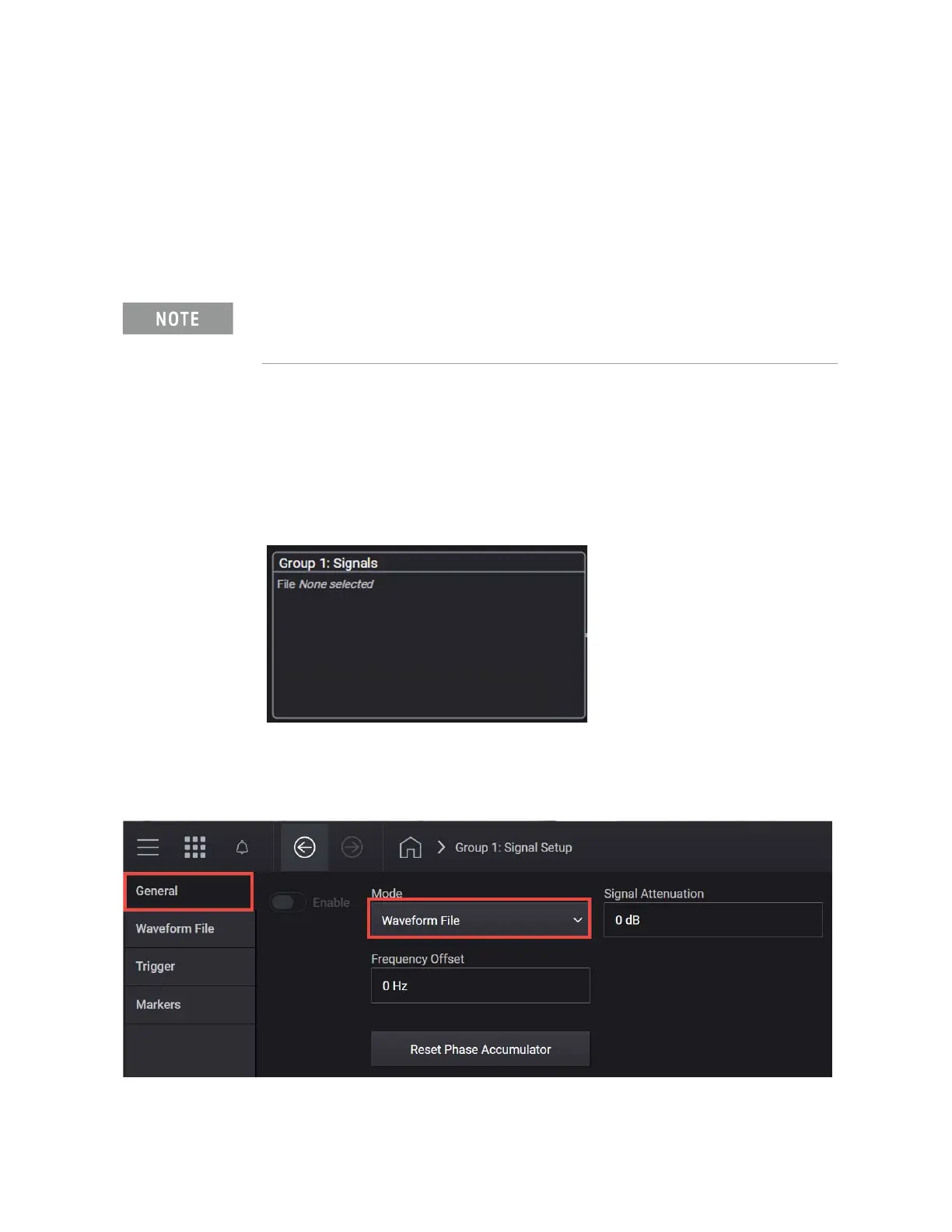
4. In the Vector Modulation Signal Setup:
a. Set Mode to Waveform File.
Ensure the equipment and triggers are properly configured. Refer to
“Equipment Setup” on page 9
and “Setting Up Triggers on the Signal
Analyzer” on page 10
.



 To Next Page