N5186A MXG and X-Series SA Measurement Guide 29
Basic Measurements
Making Measurements
Setting Up a Multitone Signal
This example shows you how to create a multitone signal, which allows you to
separate the usable frequency band into multiple channels. This can make a
signal that is difficult to characterize in the time domain more readable.
Using the graphical user interface
On the MXG:
1. Select Preset > Preset to set the instrument to a known state.
2. Set Frequency to 6 GHz and Amplitude to -10 dBm.
3. Select the Signal block to open.
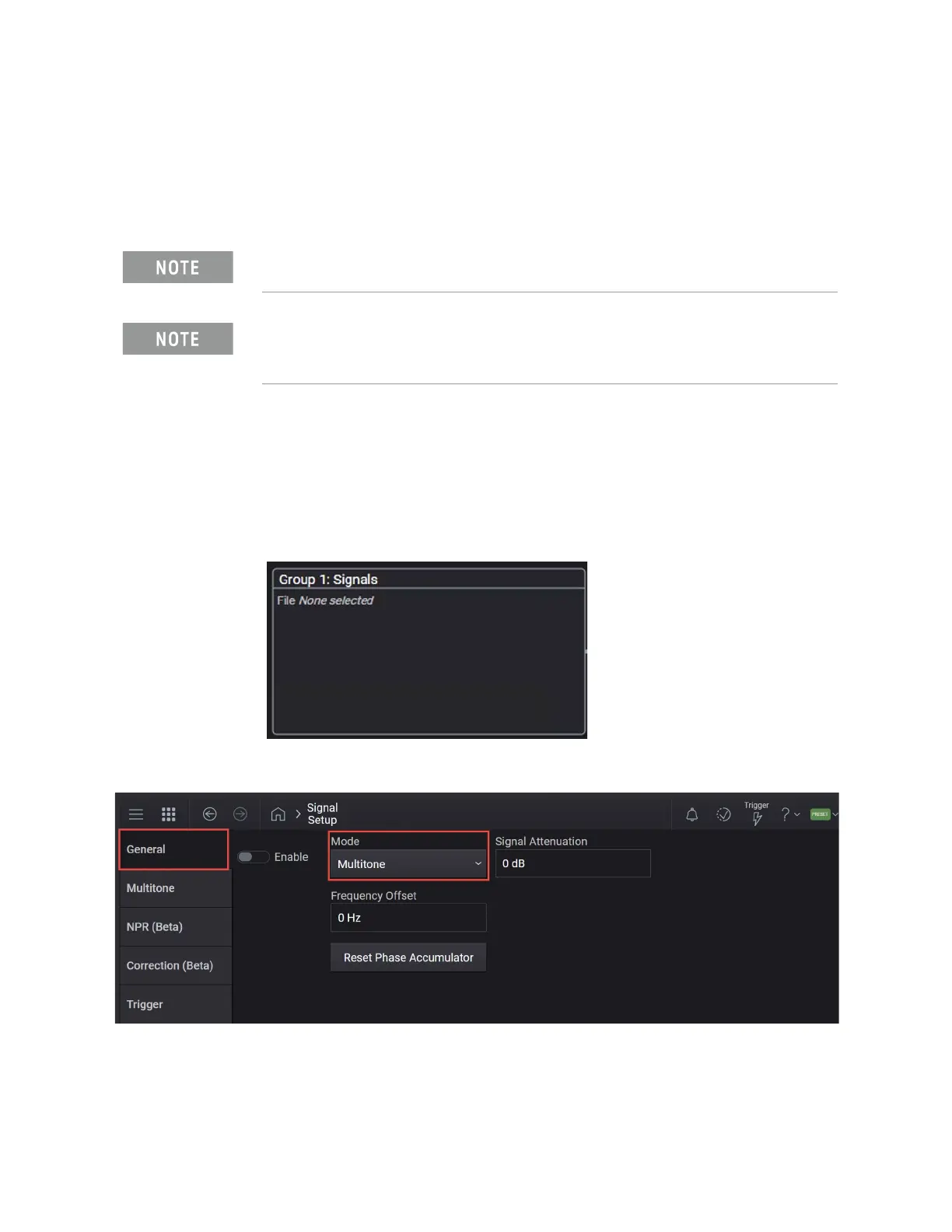
4. Select the Mode dropdown and select Multitone.
5. Select the Multitone tab and set:
a. Set Tones to 15 >x1.
The MXG must have the E7621APPC PathWave Signal Generation for
Multitone license installed.
Ensure the equipment and triggers are properly configured. Refer to
“Equipment Setup” on page 9 and “Setting Up Triggers on the Signal
Analyzer” on page 10.



 To Next Page