74 N5186A MXG and X-Series SA Measurement Guide
5G New Radio (NR) Measurements
5G Waveform, EVM, and ACP Analysis
Using the equivalent SCPI commands
On the X-Series Signal Analyzer:
INSTrument:SELect VSA89601
SYSTem:PRESet
MMEMory:LOAD
“D:Users\Instrument\Documentts\NR5G\data\NR5GEvm\Carrier
Setup\5GNR_1CC_FR1_30kHz_SCS_100MHz_256QAM_DC
punctured.setx”
INITiate:PAUSe
INPut:TRIGger:STYle "EXTERNAL"
INPut:TRIGger:LEVel:EXTernal 1V
INPut:EXTension:PARameters:SET "ExtTriggerLoc", 2
INPut:EXTension:PARameters:SET "PhaseNoiseOptDualLoop", 1
Set the 5G NR Demod Result Length to 10 Subframes:
NR5G:RLENgth 10
NR5G:SUBFrame:INTerval 2
Set the Acquisition Mode to “Frame Trigger is Present”
nr5g:FRAMe:TRIGger:ENABled 1
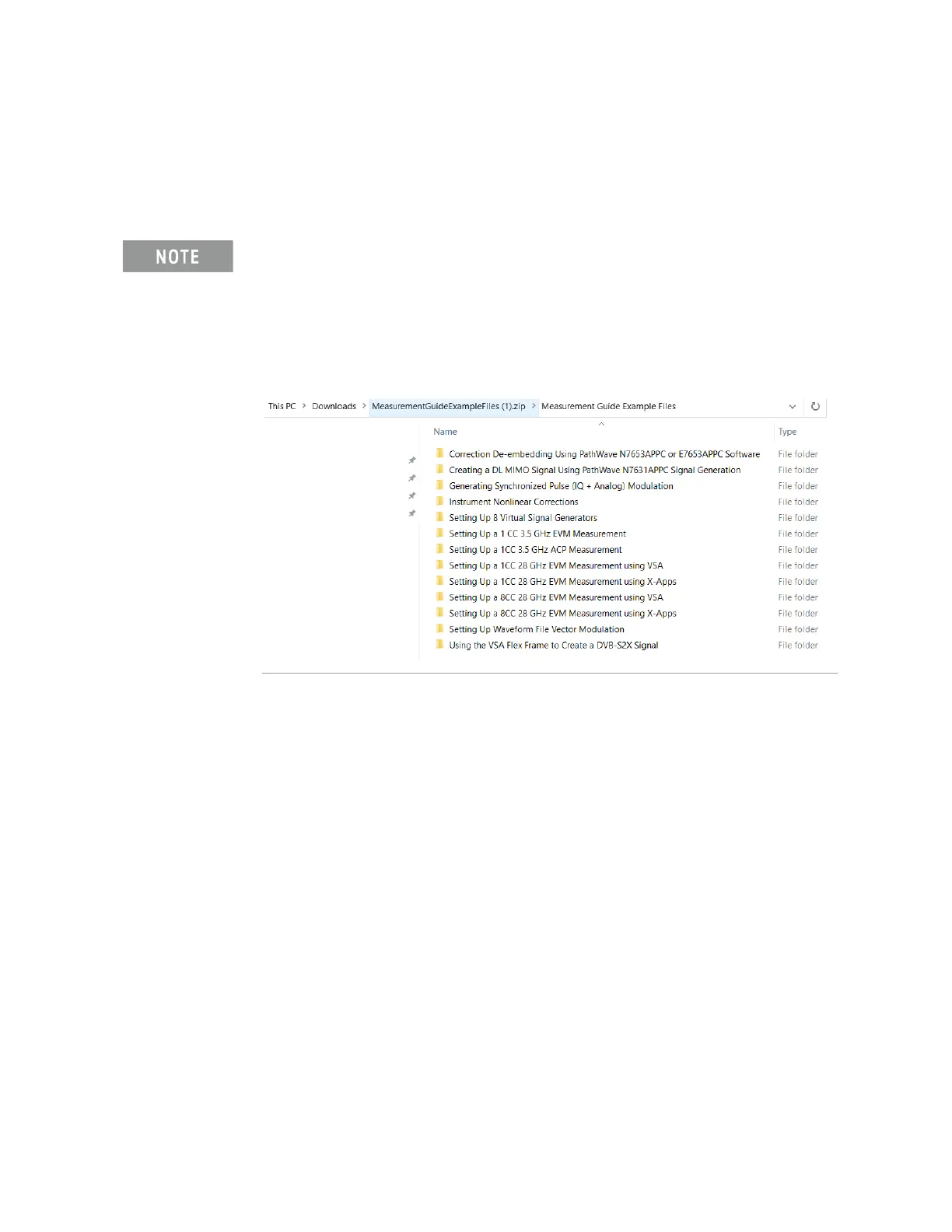
You will need to copy the setup files to the X-Series Signal Analyzer or the
PC running the VSA application. Go to:
https://www.keysight.com/us/en/lib/software-detail/instrument-firmwar
e-software/measurement-guide-example-files.html
Select Download and wait for the zip file to finish downloading to your
Downloads folder. This may take a few minutes as it is a 2 GB file. You will
find the setup file(s) under the applicable Measurement name.



 To Next Page