68 N5186A MXG and X-Series SA Measurement Guide
5G New Radio (NR) Measurements
5G Waveform, EVM, and ACP Analysis
Using the equivalent SCPI commands
On the MXG:
SYSTem:PRESet
RF1:FREQuency:CW 3.5GHZ
RF1:POWer:AMPLitude 5dBm
SIGNal1:MODE WAVeform
Navigate to the desired waveform file.
SIGNal1:WAVeform “/Examples/
5GNR_1CC_FR1_30kHz_SCS_100MHz_256QAM_DC punctured.wfm ”
SIGNal1 ON
IQO:CORR:OPT:DYN:RANG:OBW ON
RF1:OUTPut ON
For multi-channel instruments, set RF Out (all) to On.
RFALl:OUTPut ON
On the X-Series Signal Analyzer:
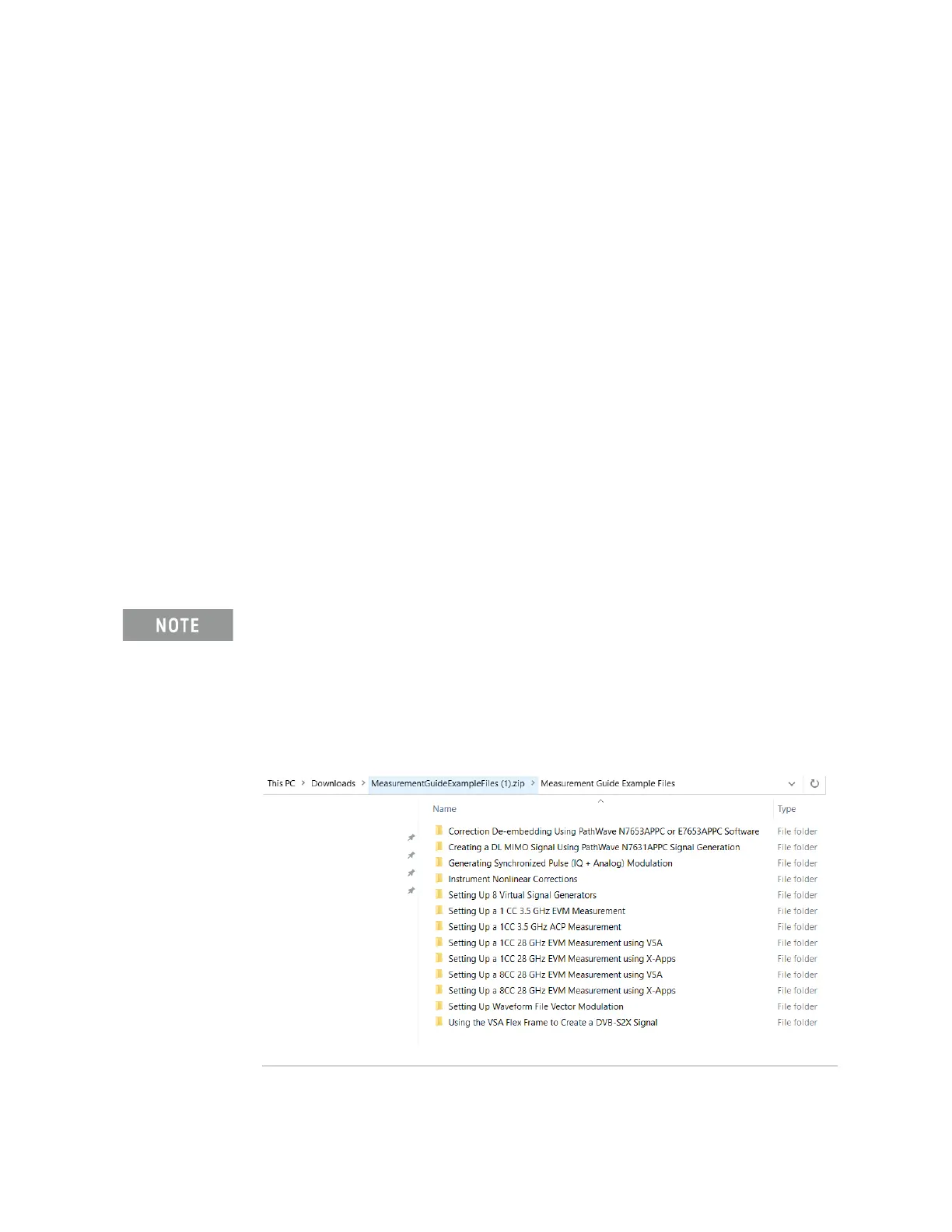
You will need to copy the setup files to the X-Series Signal Analyzer or the
PC running the VSA application. Go to:
https://www.keysight.com/us/en/lib/software-detail/instrument-firmwar
e-software/measurement-guide-example-files.html
Select Download and wait for the zip file to finish downloading to your
Downloads folder. This may take a few minutes as it is a 2 GB file. You will
find the setup file(s) under the applicable Measurement name.



 To Next Page