KIC 2000 v2.4.0.x
40 KIC 2000 User Manual
When all of the data packets have been received, the software will display a message asking you to turn the
SlimKIC 2000 or the KIC Explorer off, choose OK. Failing to turn the KIC profiler off will drain the
batteries.
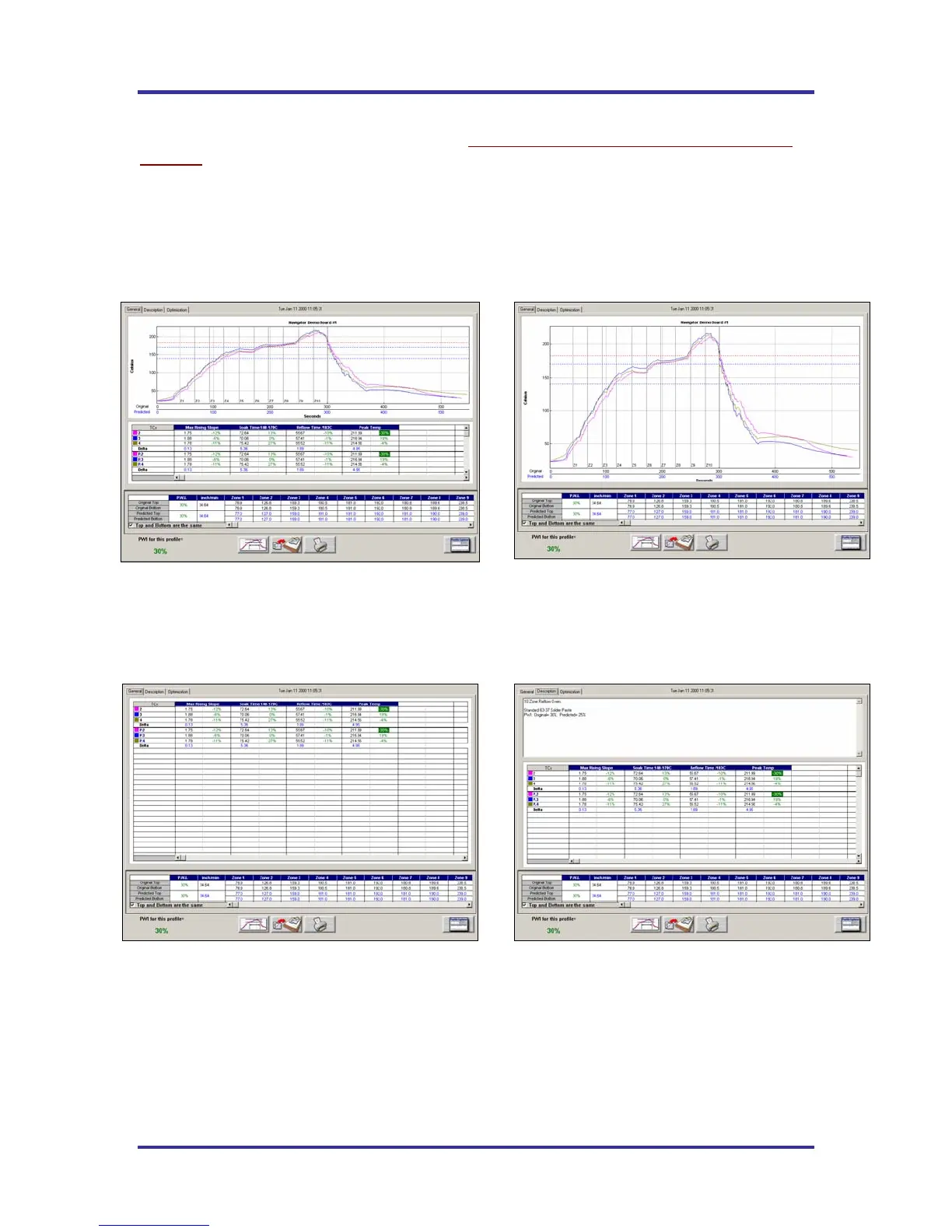
Next, the KIC 2000 software will automatically analyze the profile data and presents the profile and
statistics. If you purchased the Navigator option, the predicted oven settings will be displayed as well.
See Figure 61 through Figure 64.
Viewing the profile and statistics
Figure 61
General Tab – Shows graph, statistics, and recipe
Figure 62
General Tab – Graph view (double-click on graph)
Figure 63
General Tab – Statistic view (double-click on stats table)
Figure 64
Description Tab – Shows Description notes, statistics, and recipe



 To Next Page