KIC 2000 v2.4.0.x
KIC 2000 User Manual 19
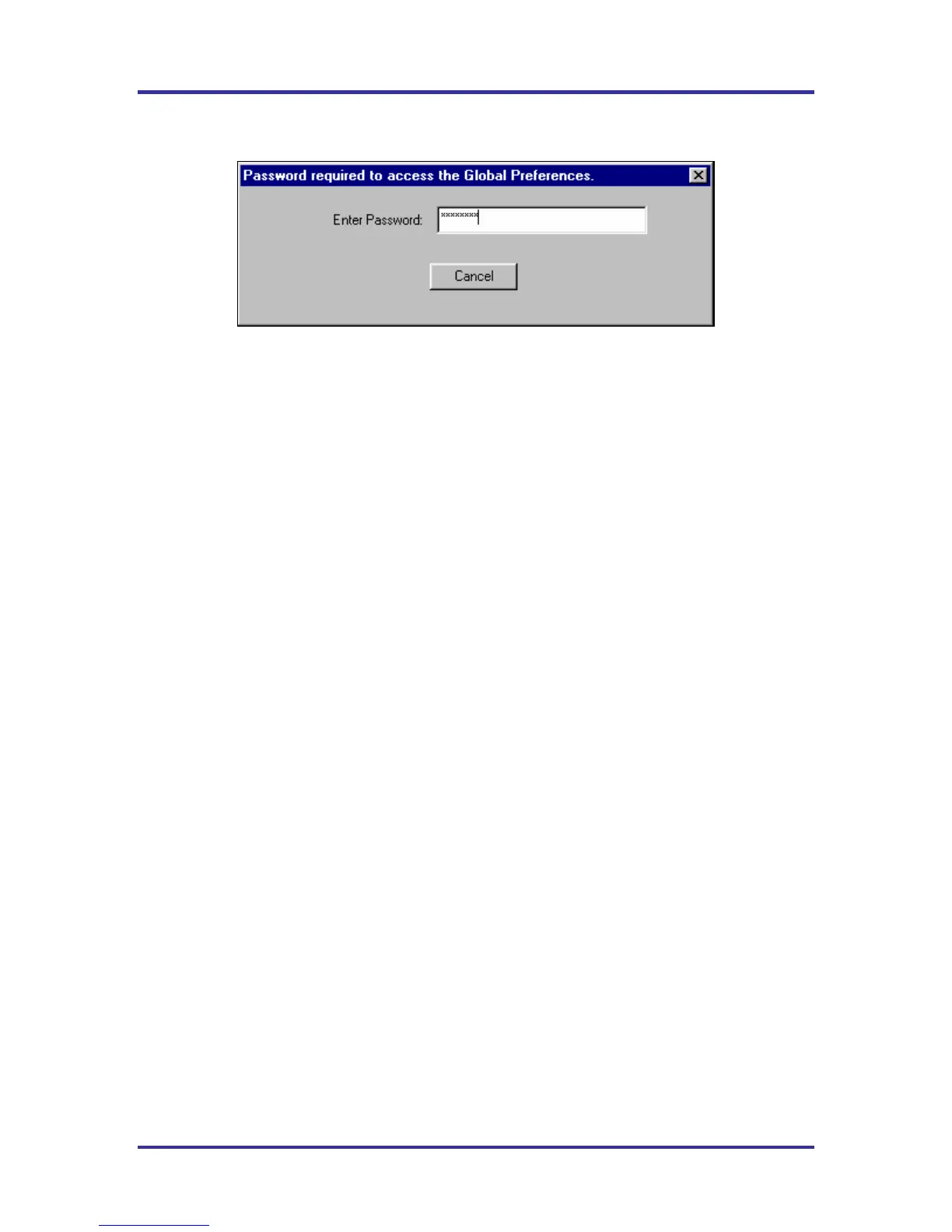
Items protected by password
Figure 26
• Global Preferences button on the main screen
• In the Process Window Screen – Saving or deleting Process Windows or changes to Process Windows
• In the Run a Profile first screen – Remove Oven
• In the Profile Explorer – Delete a profile
• In the Profile Graph and Statistics screen – Access to the Optimization tab



 To Next Page