KIC 2000 v2.4.0.x
KIC 2000 User Manual 47
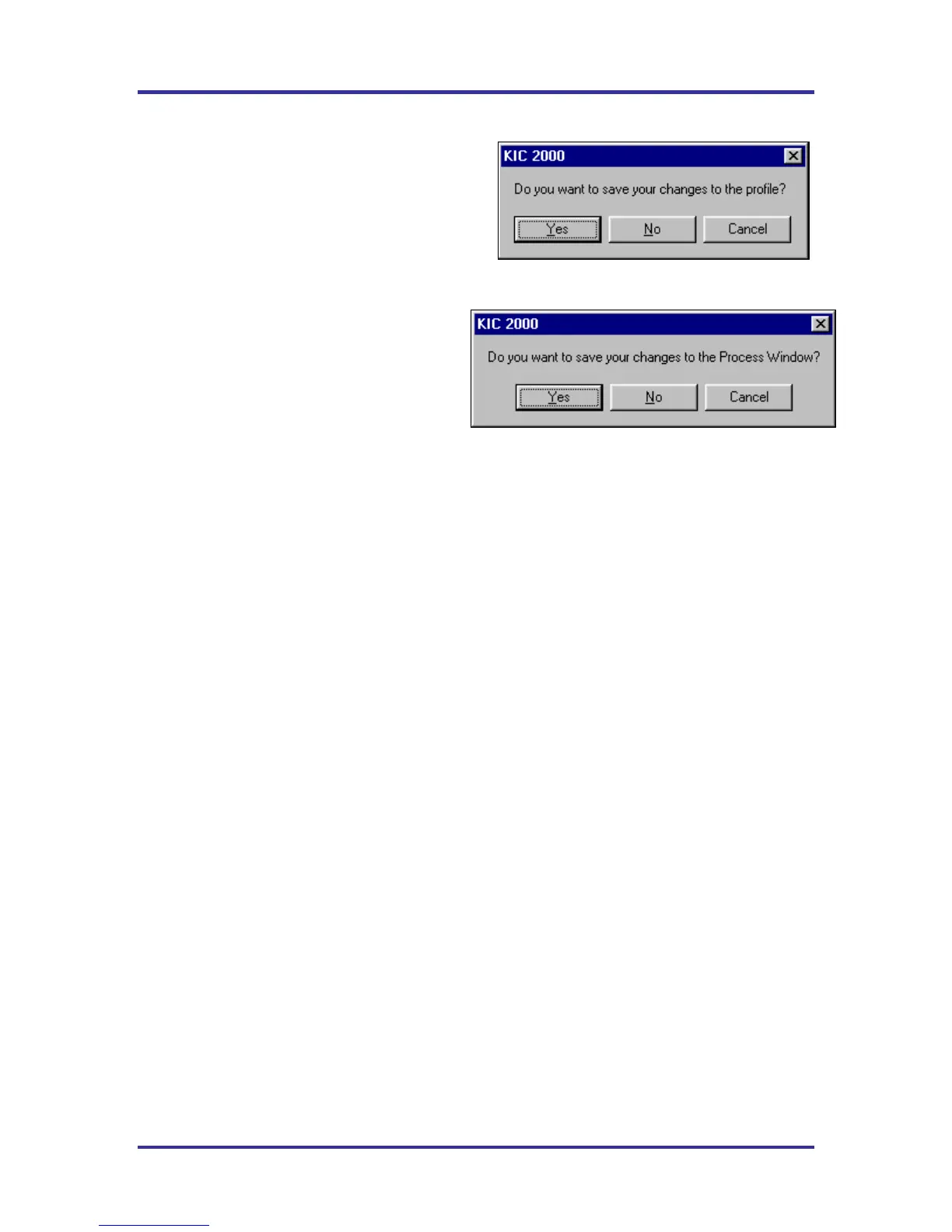
Saving changes to the profile:
Any changes to the Description Notes or the Process
Window can be saved with the profile. See Figure 77.
This will permanently update this profile with the
changes. Changes to the Process Window saved here
only save the changes with the profile. To save the
changes to Process Window file see next dialog box.
See Figure 78.
Saving changes to the Process Window:
If you have made changes to the Process Window
from the Graph screen you can save these
changes when you exit the graph screen. The
Process Window will permanently have these
changes whenever it is used to profile from this
point forward.
The KIC 2000 software will take you to the Edit
Process Window screen in order to save the
changes that you have made.
The first dialog – “Do you want to run a profile with this product?” will appear each time you exit the
graph screen. Click on No if you do not wish to profile.
You will be sent back to the KIC 2000 Main menu if you had just completed running a profile. If you
opened the profile from the Profile Explorer you will be returned to the Profile Explorer. The other two
dialogs will only appear if changes are made to the Description notes or Process Window.
Figure 77
Figure 78



 To Next Page