SRA Smart Reflow Analyzer Hardware Guide SRA-330200-000
4
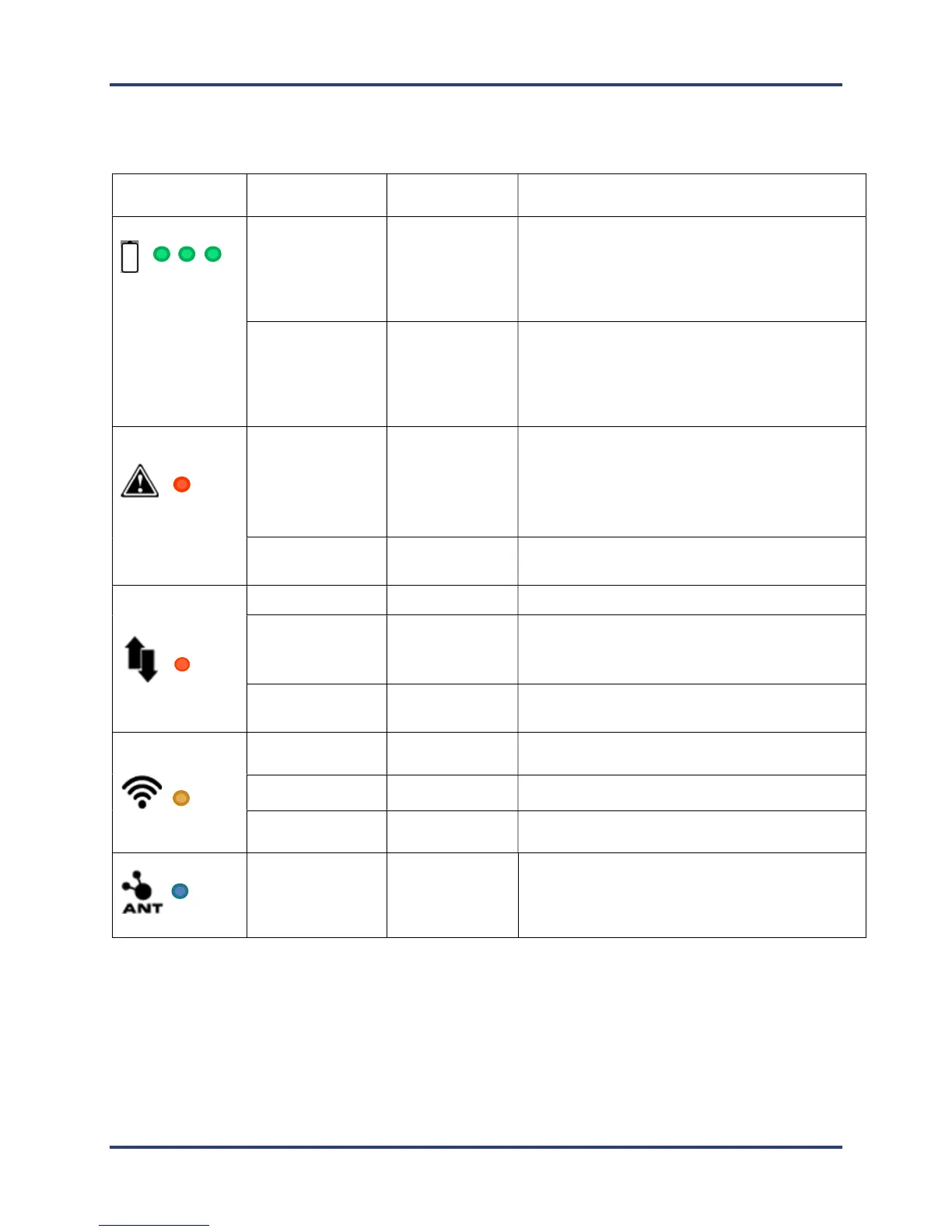
The SRA LEDs
Icon/Color
and flashing.
See description
Each LED represents 1/3
rd
of battery capacity.
Starting from the left the lights go from
flashing to solid as the battery charge fills.
Full charge when all 3 are solid.
power
seconds
LEDs will flash depending
left.
Minimum to 1/3rd charge left – LED 1
1/3rd to 2/3
rd
charge left – LED 1-2
2/3
rd
to full charge left – LED 1-2-3
Alert
Not Ready Solid On
Cannot profile: TCs too hot, SRA Module too
hot, Battery too low, startup failure, voltage
too low to charge or memory full. Plug into PC
and software to identify alert.
Ready Off
Ready to begin profiling.
Data Collection
Profiling Fast Flashing Profiling in progress.
Profile Complete Flashing every 3
seconds
One or more profiles are complete and stored
in memory.
Data Empty Off
No profiles stored in memory.
Wi-Fi
Communications
Fi not in use or not available.
When profiling or downloading.
every 3 seconds when paired with
Smart Dock
is covered for >5 seconds. LED flashes until
SRA finds a Smart Dock beacon and pairs with it
to make private Wi-Fi connection.



 To Next Page