1010
GB
Use of the hand controlUse of the hand control
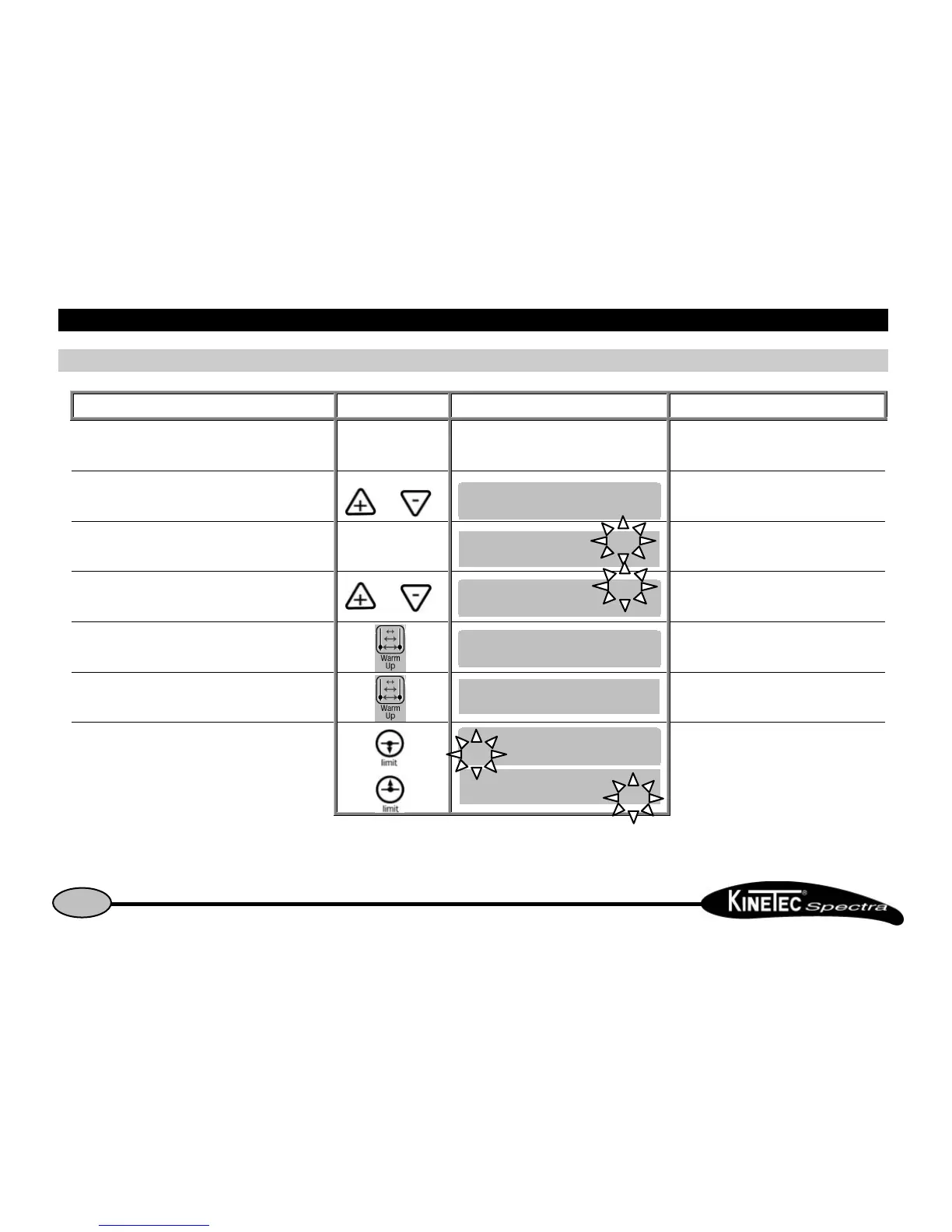
How to modify programs PROGRAM MODEHow to modify programs PROGRAM MODE
Beginning Keys to press Display Remarks
To switch off the unitTo switch off the unit
Check if the hand control is not blocked
(See page 7).
Press the two keys at the same time and switch the unit
ON
Welcome text during 3 seconds.
Then The program number blinks.
To change the program if necessary or The new program number blinks.
To choose the treatment mode
The display indicates the selected treatment
mode, the program number blinks again.
Or
To display the extension or flexion limit of the movement
or The value blinks.


 To Next Page