66
GB
Use of the hand controlUse of the hand control
Select your languageSelect your language
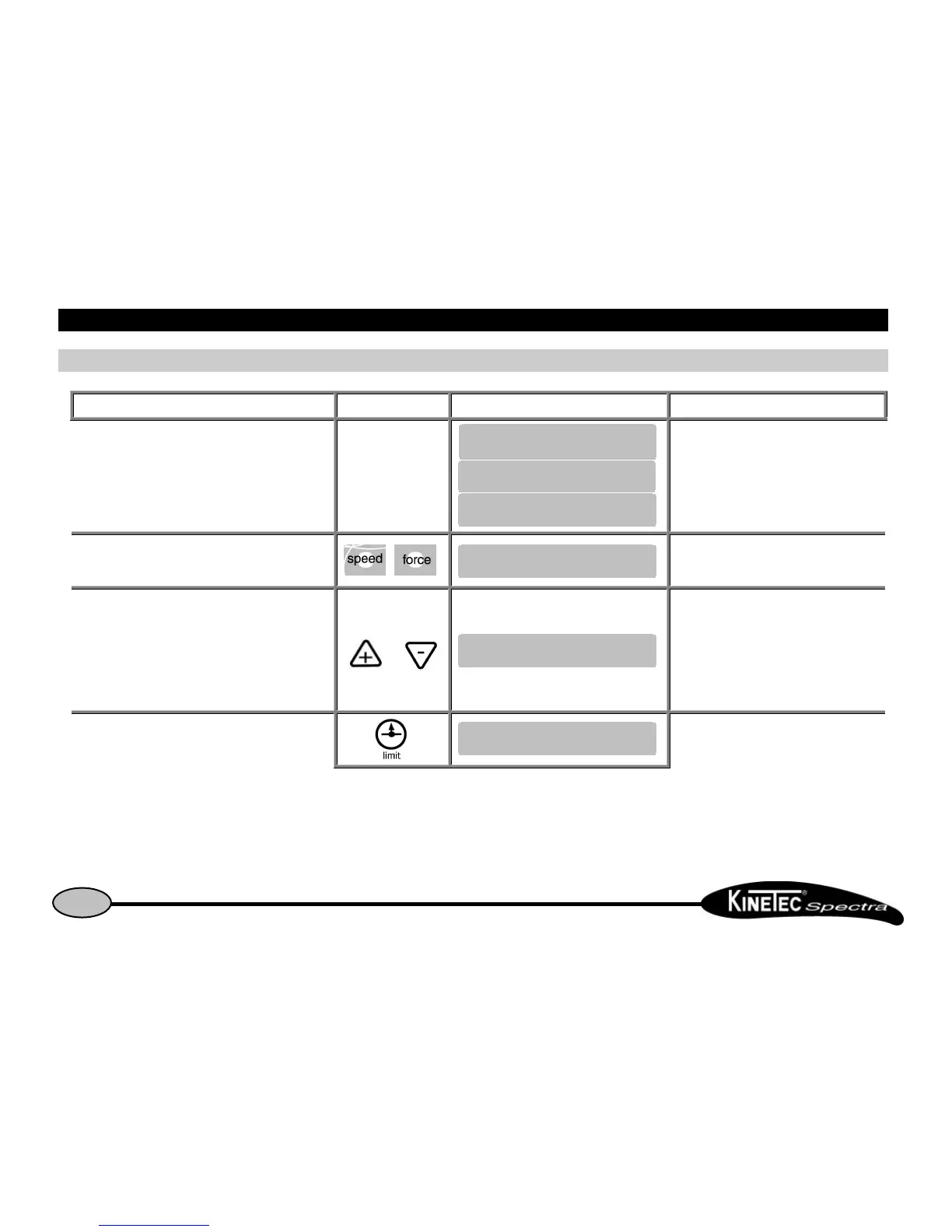
Beginning Keys to press Display Remarks
Switch the unit ON Check if the hand control is not blocked
(See page 7).
Press the 2 keys in the same time The display indicate the language selected.
To change the language or
The English language is selected.
English
French
German
Italian
Spanish
To validate the new language.
To exit and confirm the new language, switch
OFF and Switch ON the unit.


 To Next Page