88
GB
Use of the hand controlUse of the hand control
Quick StartQuick Start
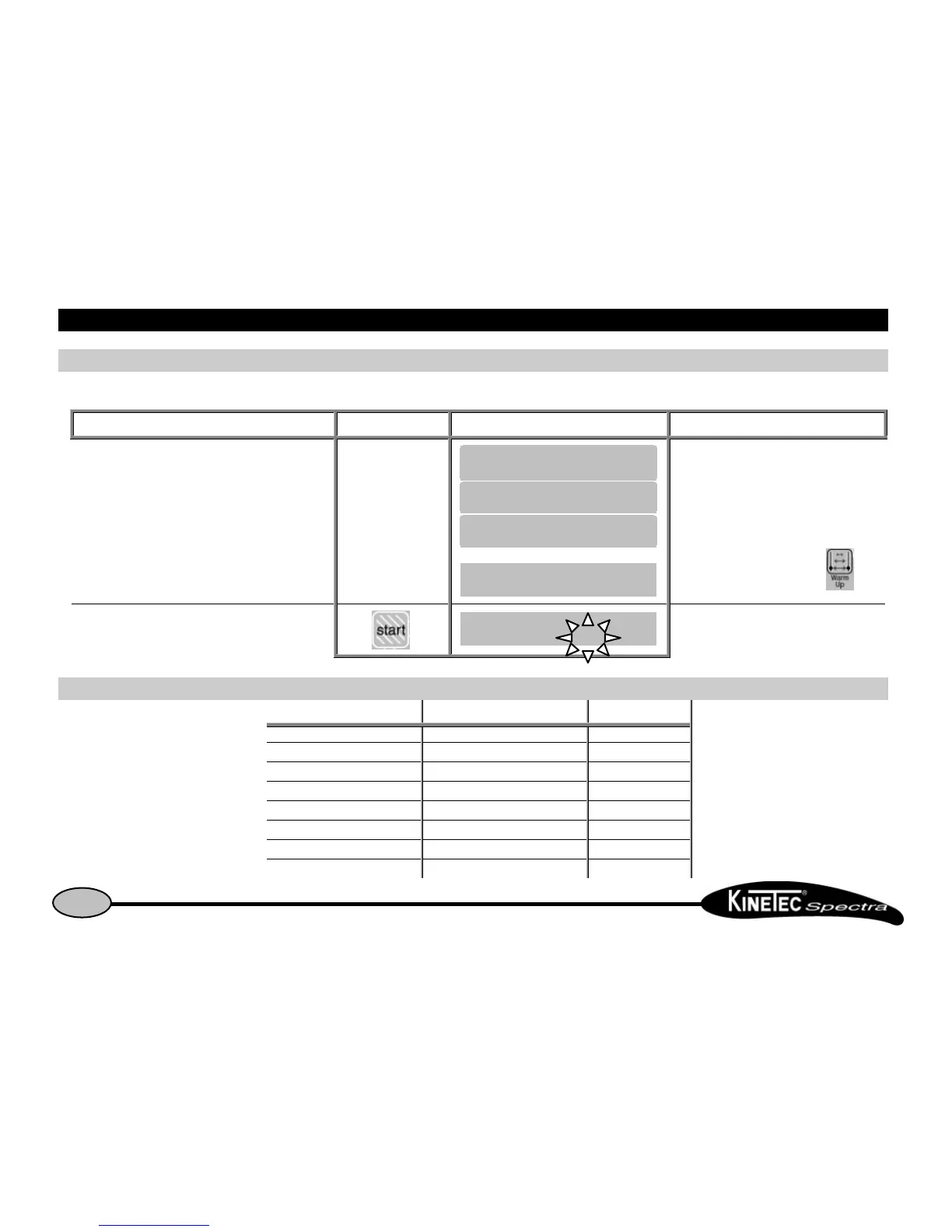
Set up the patient and proceed as below:
Beginning Keys to press Display Remarks
Switch the unit ON
Or
Check if the hand control is not blocked
(See page 7).
If the Warm Up mode is selected, switch OFF
this mode by pressing on the key
Start the session with the original parameters of the
movement (default setting).
The value change at the speed of the
movement.
Possible values for each parameter:Possible values for each parameter:
Possible values Default setting
• Extension limit -10 to 115° 30°
• Flexion limit -5° to 120° 90°
• Speed
1 to 5 (from 30° to 160° per minute)
2
• Force 1 to 6 6
• Extension pause 0 to 900 seconds (15minutes) 0
• Flexion pause 0 to 900 seconds (15minutes) 0
• Timer No timer(00H00) to 24H00 0


 To Next Page