Chapter 2 Basic Operation 2-3
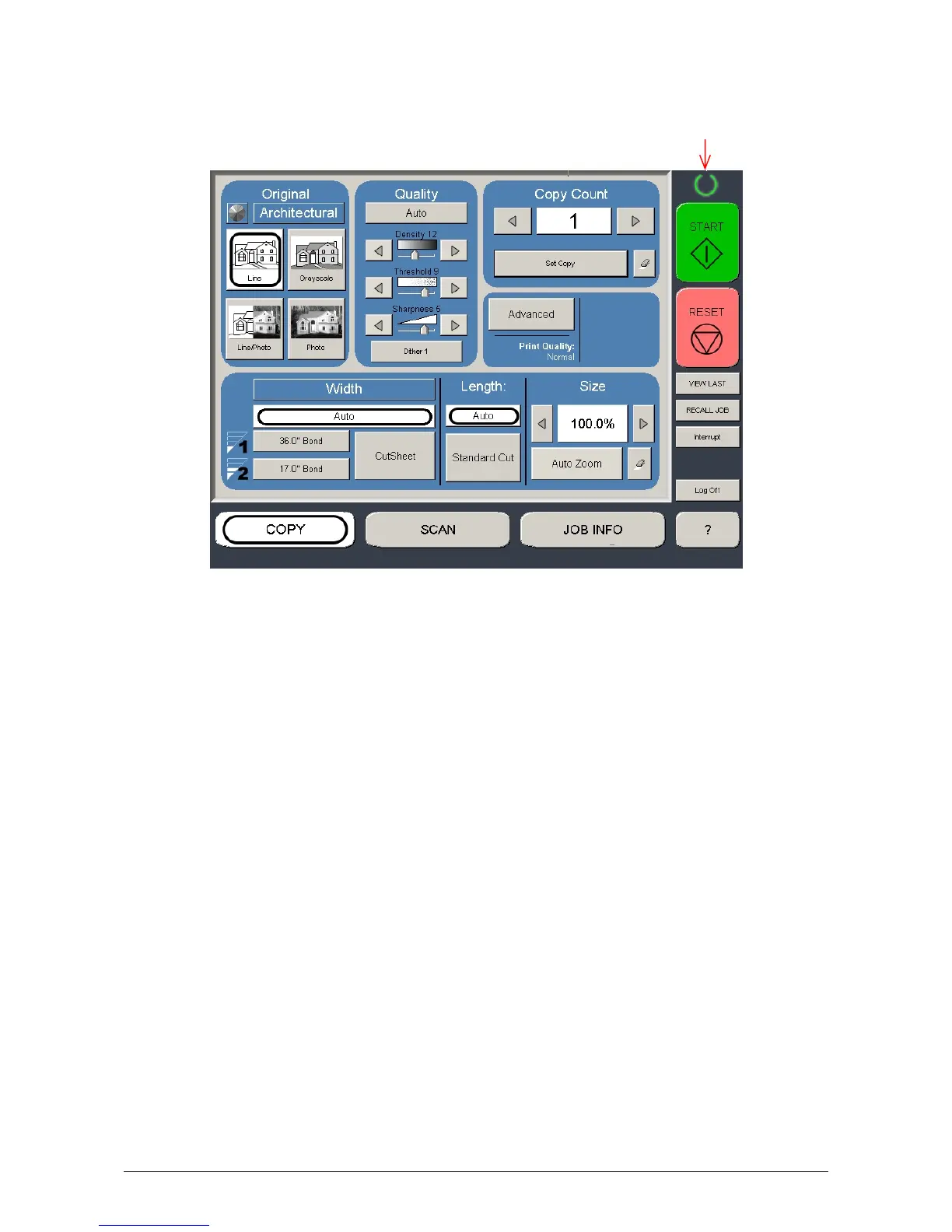
3. The User Interface (UI) starts operating, and displays the following Copy Mode Screen in one
minute.
A Ready Indicator on Copy Mode Screen will flash during warming up.
Ready Indicator
Note: The screen is shown with available options.
4. When the Ready Indicator stops flashing, the KIP 3100 is ready for operation.
You can make a copy, scan (optional) or print (optional).



 To Next Page