Chapter 2 Basic Operation 2-16
2. 7 Emergency Stop of Scan or Copy
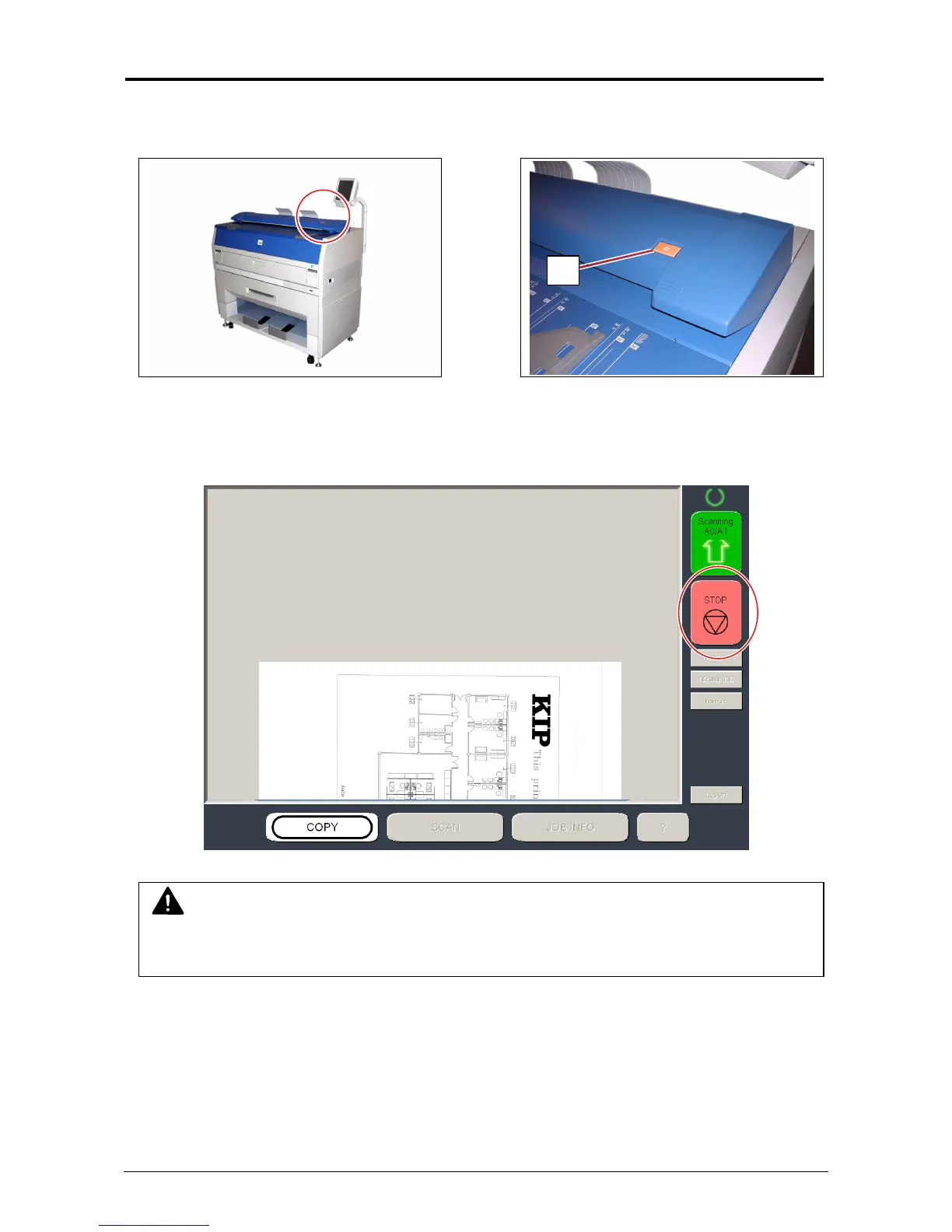
If necessary, press the Emergency Stop Button (1) on the Scanner Unit to immediately stop the
original while making a copy or scan.
Pressing the button stops the current reading a document immediately. The current printing is
stopped as well and is ejected.
[Stop] on the touch screen will work as the same function.
1
NOTE
Do not pull back or hold down the original on Original Table as an attempt to stop feeding it
through Scanner Unit.



 To Next Page