Chapter 3 Error Correction 3-5
3. 1. 1. 2 Manual Jam
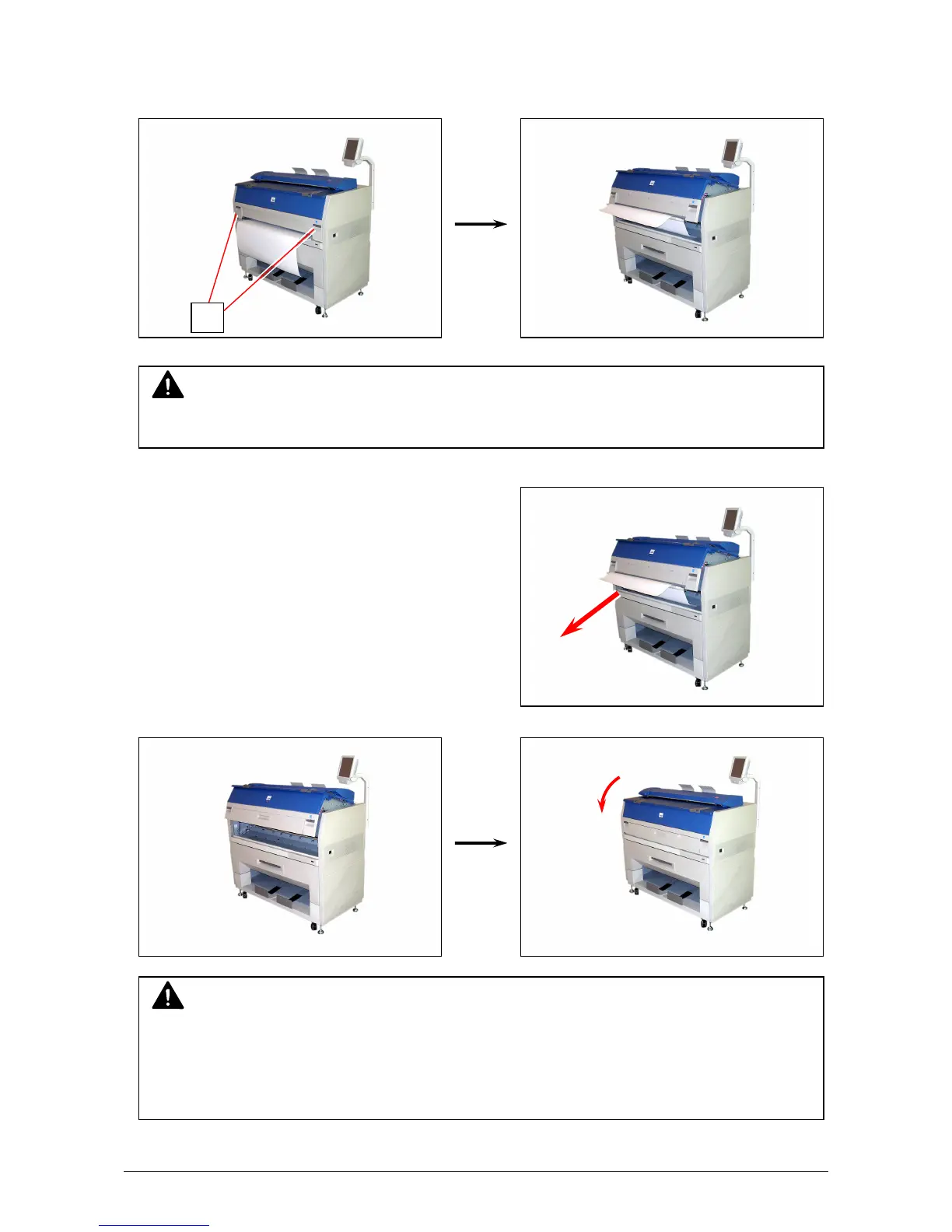
1. Pull up the Engine Unit Open Levers (1) to open the Engine Unit.
2. Remove the mis-fed paper pulling frontward.
3. Close Engine Unit.
NOTE
(1) Be sure to close the Engine Unit firmly until it is locked at the correct position.
(2) The mis-fed paper can be replaced with a new one, or be inserted at the opposite edge to
the feeder. An extreme crease may cause a paper jam.
NOTE
Do not open the Engine Unit when the Scanner Unit is opened.
If the Scanner Unit is opened, it will hit the bottom of User Interface.
1



 To Next Page