Chapter 2 Basic Operation 2-13
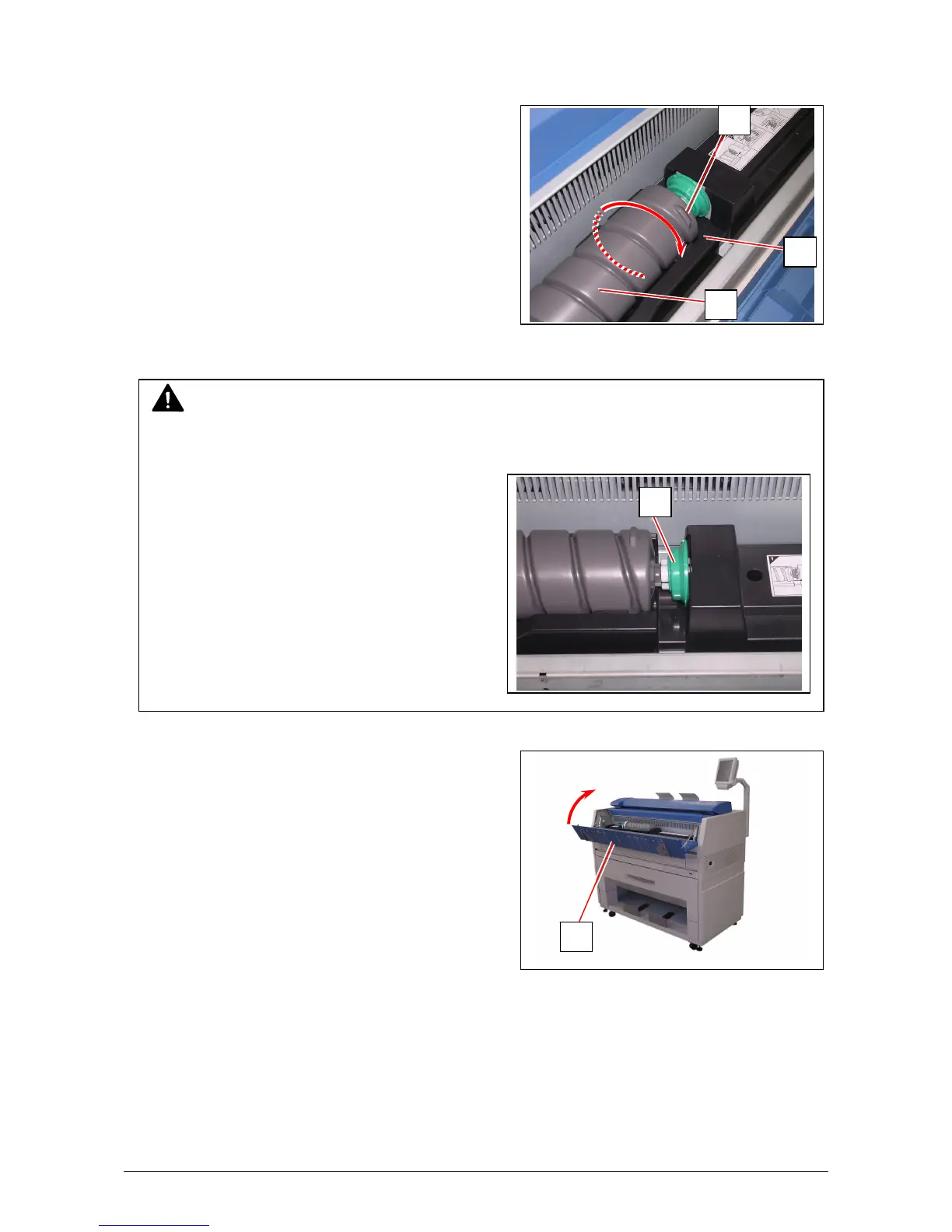
7. Turn the body (4) of the cartridge in one revolution to the arrow direction to open the toner
supply hole.
Confirm that the projection (8) if fitted into the notch (9).
8. Close the Toner Hatch (1).
NOTE
It is not necessary to lock the cartridge with the Lever (2).
Lever (2) will engage on its own after closing the Toner Hatch.
8
9
4
1
2



 To Next Page