Chapter 1 Before Use 1-9
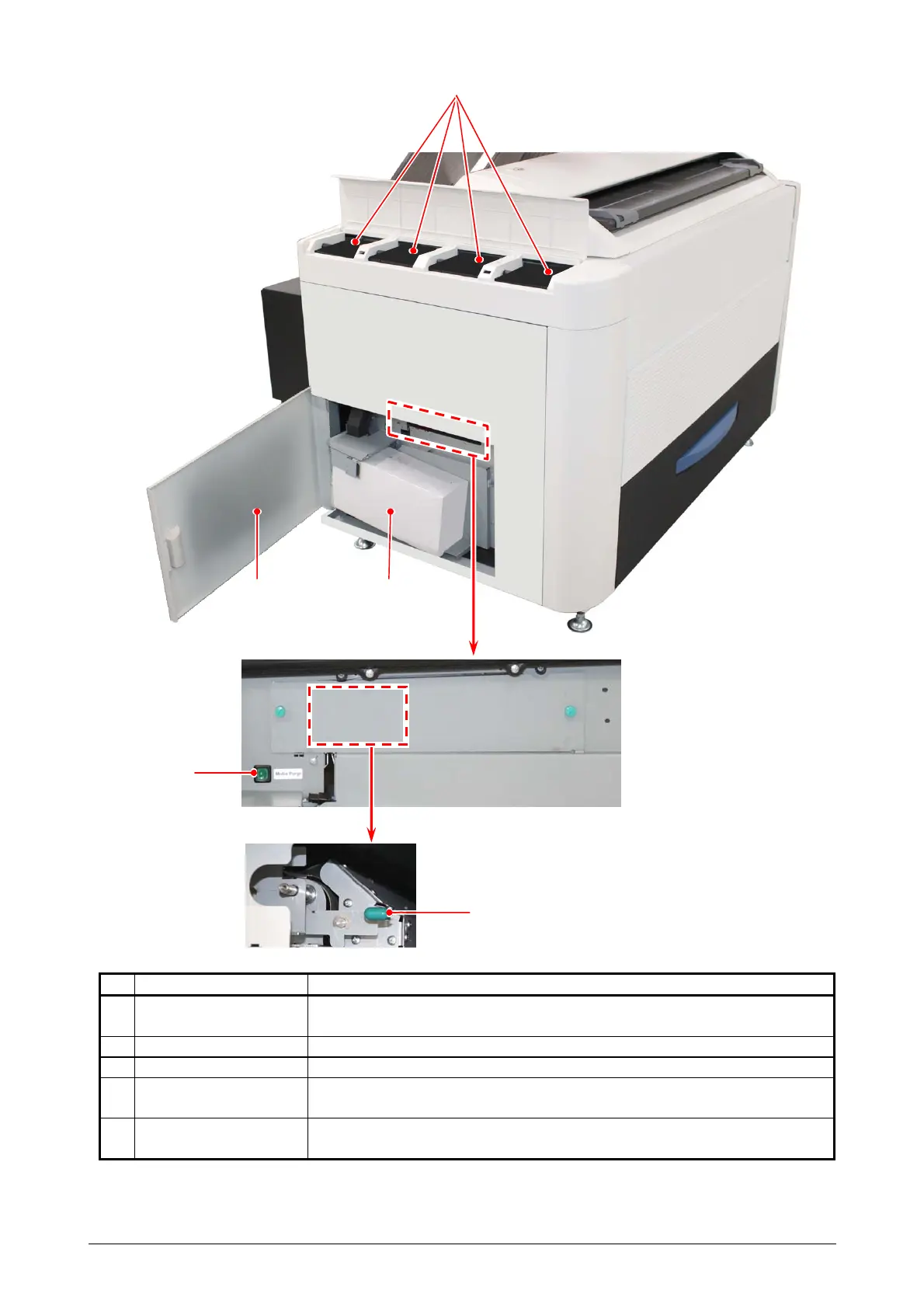
1. 5. 2 Left side view
Name of part Function
1 Toner Supply Port Toner Cartridge (C, M, Y, K) to be set here to add toner to the
system.
2 Left Side Door Access Waste Container, Purge Switch and Feeder Release Knob.
3 Waste Toner Box Collects the wasted toner.
4 Purge Switch After removing jammed sheets, press this switch to eject remaining
sheet from the printer.
5 Feeder Release
Knob
Unlocks the Feeder Unit to clear misfeeds.
1
32
5
4



 To Next Page