Chapter 2 Basic Operations 2-12
2. 4 Toner Supply
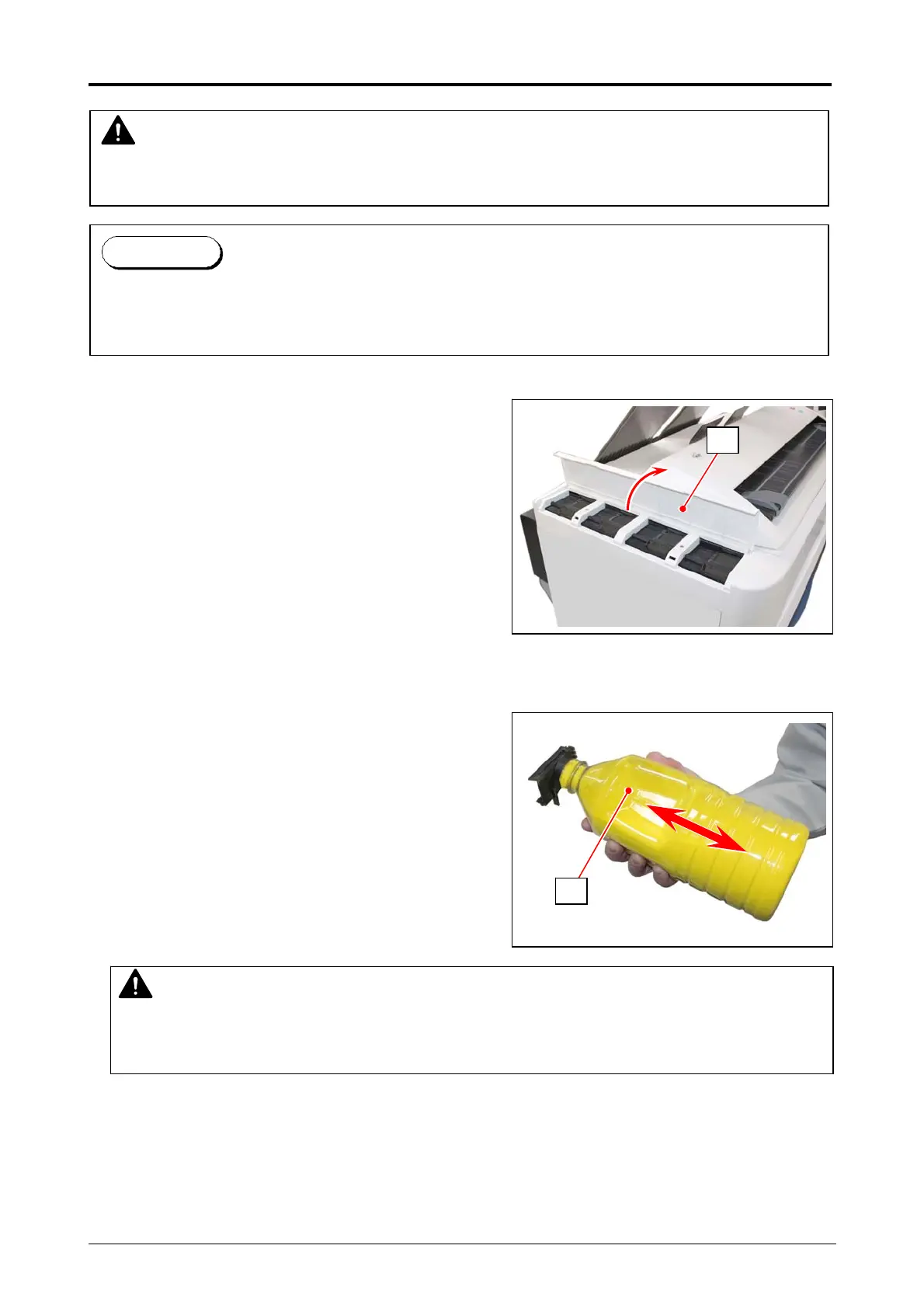
1. Open the Toner Cover(1)
2. Shake the new Toner Bottle well to loosen the powders inside the bottle.
WARNING
There is combustible powder in the toner cartridge.
Do not burn up the used toner cartridge.
When the toner is empty, the UI Screen will display “Toner Empty” sign.
Follow the later procedure (or as noted in the UI’s User Guide) to Supply the Toner with a new
one (genuine).
Reference
NOTE
After shaking the bottle, supply the toner to the machine without a pause, referring to the
next step 3. Otherwise the toner hardly leaves from the bottle.
1
2



 To Next Page