Chapter 3 Error Correction 3-24
3. 3 Other Operator Call
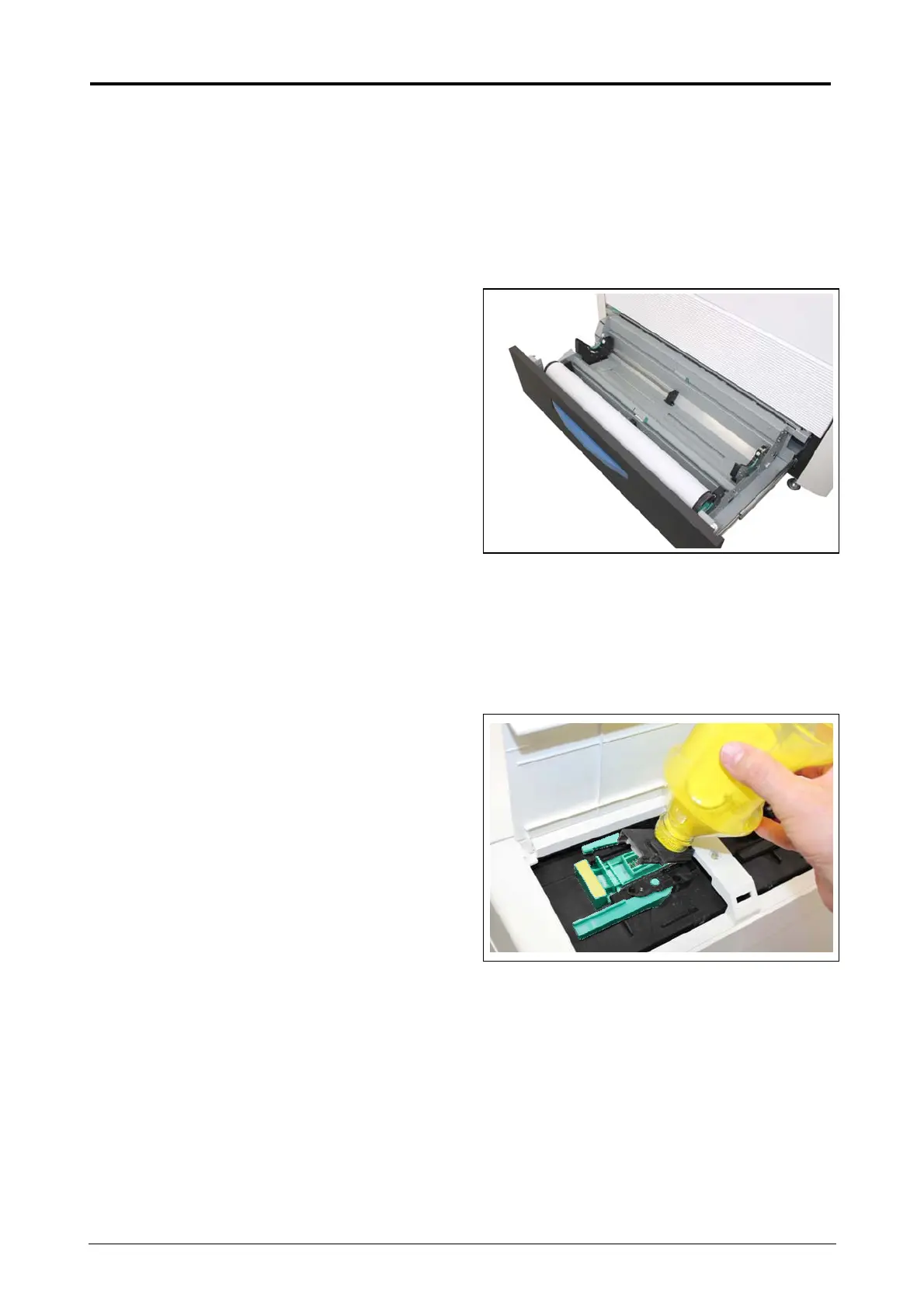
3. 3. 1 Roll Replacement
When the printer is running out of a loaded roll media, the UI Screen will display “Out of Paper”
sign.
If there is no suitable roll media required for the current print job, the UI Screen will display “Out of
Paper” sign as well. Please load the required roll media to any Roll Deck.
For the roll replacement procedure, see [2.3 Replacing the Roll Media].
3. 3. 2 Toner Empty
When the printer is running out of toner, the UI Screen will display “Toner Empty” sign.
For the toner supply procedure, see [2.5 Toner Supply].



 To Next Page