Chapter 3 Error Correction 3-15
3. 1. 6 Door Open While in Printing
The printer takes a proper “print stop cycle” by cutting the media in printing and indicating the
corresponding error/jam code in case of an error/jam.
But it does not in an event if either of the Roll Deck, the Fuser Cover or the Left Side Door opens
by accident. In this case, follow the instruction below so that the media in printing can be manually
cut and ejected.
If media stops safely:
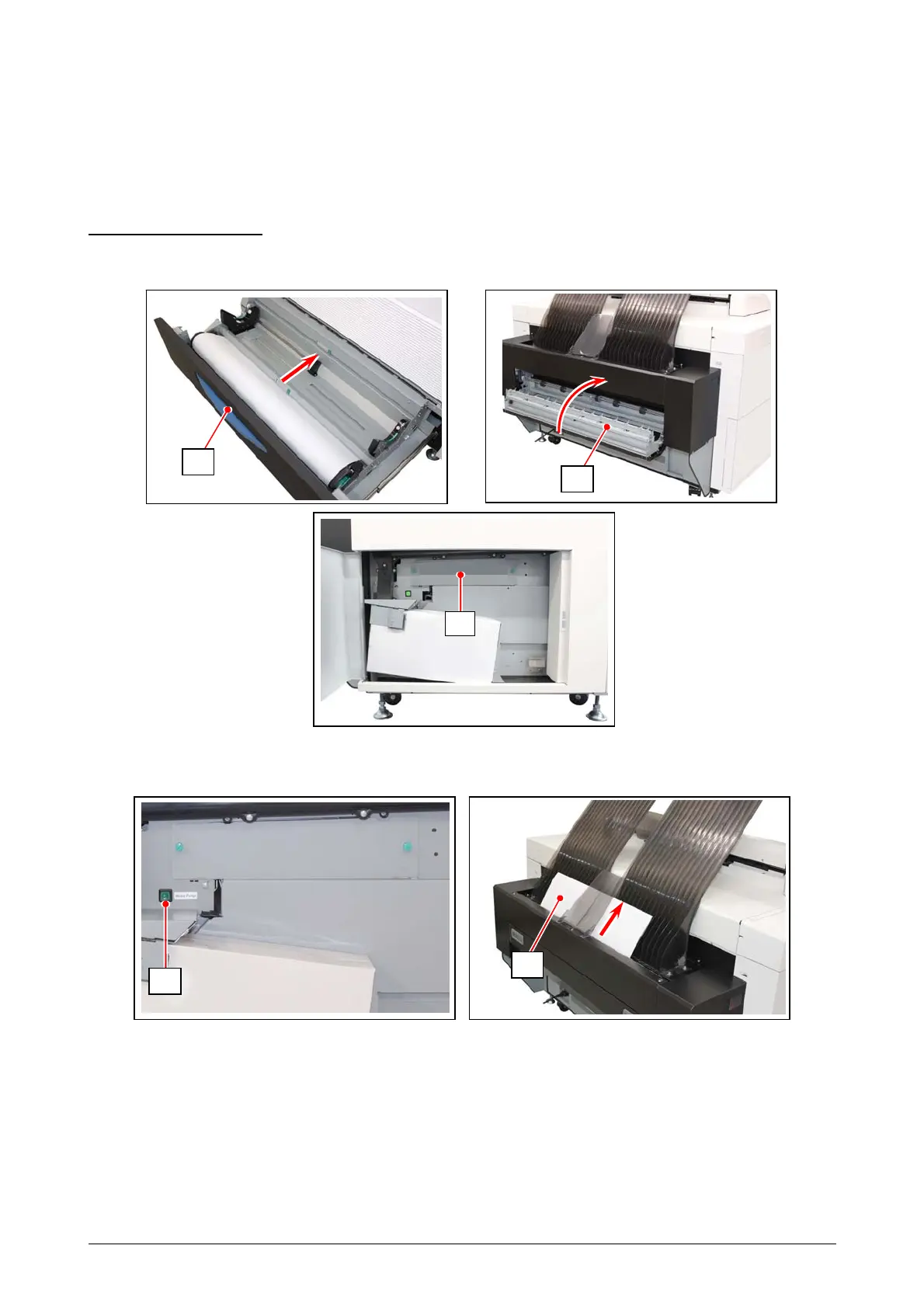
1. Close the opened Roll Deck (1), Fuser Cover (2) or Left Side Door (3).
2. Press and hold the Purge Switch (4) until the media is cut, and the sheet (5) is ejected.
3. When the sheet is ejected, release the Purge Switch (4).
4
5
1
2
3



 To Next Page