Chapter 2 Basic Operations 2-4
2. 2 Turning off the Printer
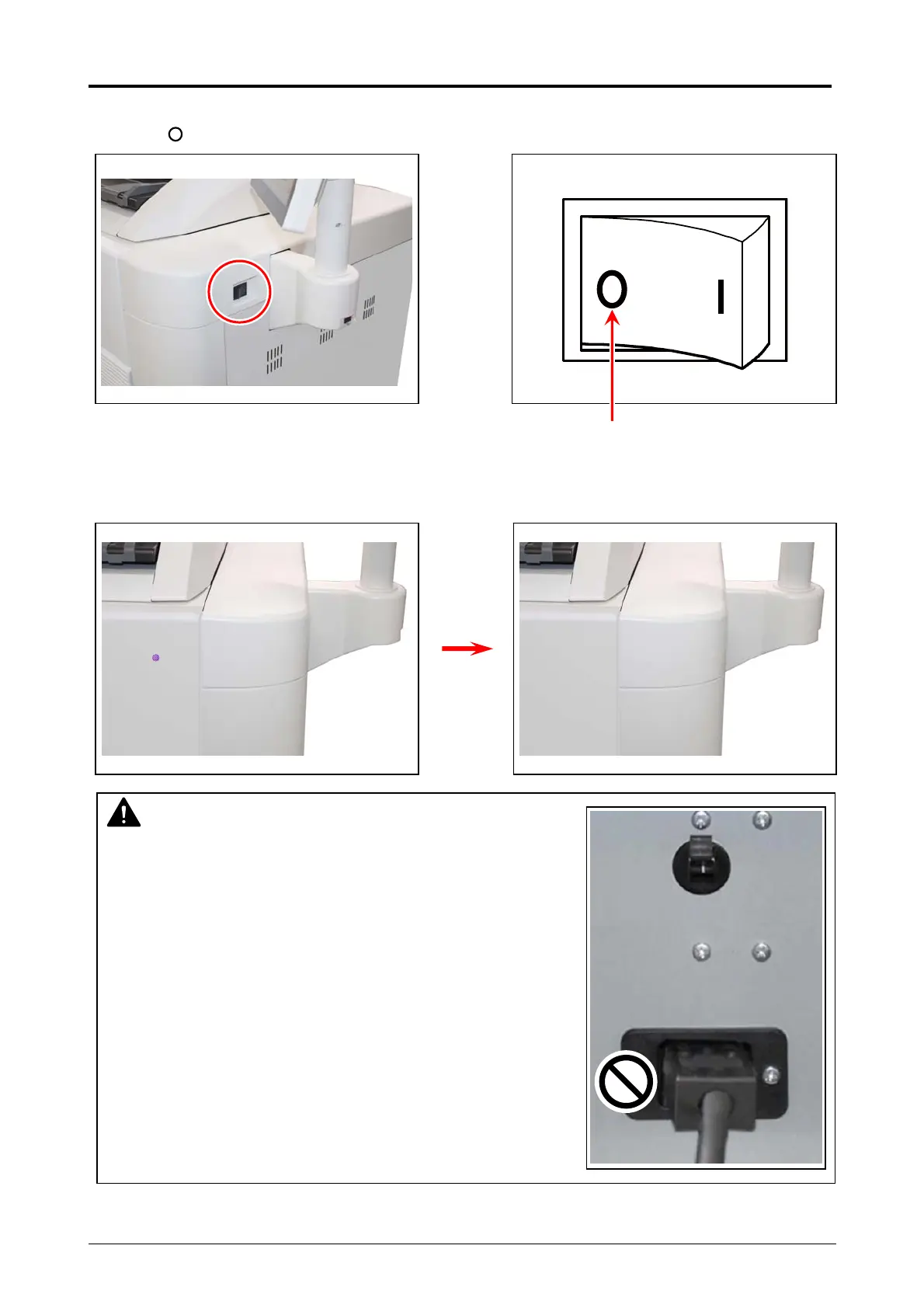
1. Press “ ” side of the Power Switch.
2. The Status Indicator light purple while the embedded controller unit is shutting down.
It will turn off in few minutes.
NOTE
The controller unit starts shutdown process after turning off
the Printer, and it will take about 1 minute until complete shut
down. Do not unplug the Printer from the outlet for about 1
minute after turning off therefore. The controller unit may be
broken if the Printer is unplugged before the completion of
shut down process.
Press this side



 To Next Page