Chapter 3 Error Correction 3-2
3. 1 Mis-feed Error
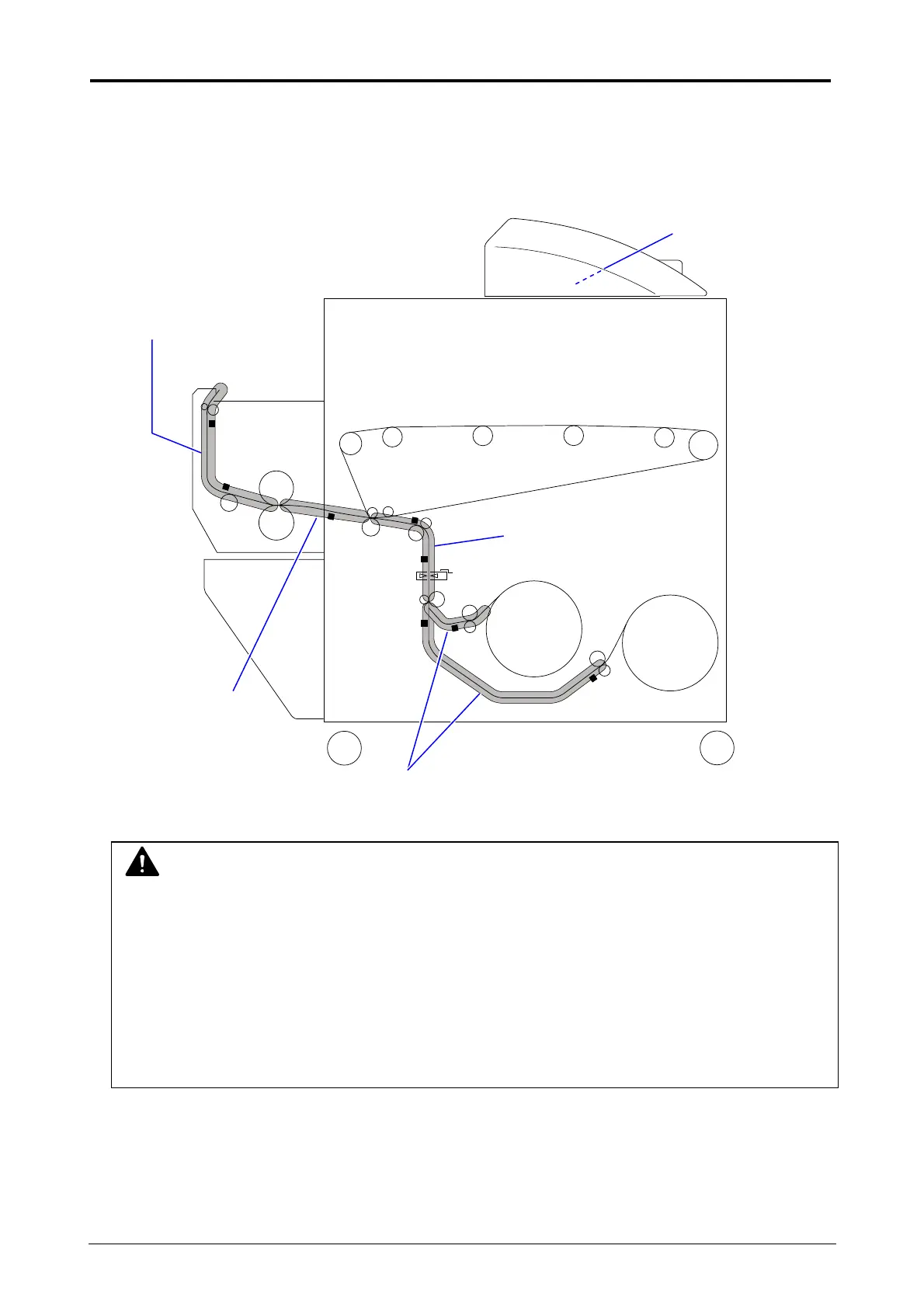
"XXXX Mis-feed" is displayed in the UI screen when the media is jammed.
The jammed location when displaying "Mis-feed" is shown below.
Scanner Section
Media Feed Section
Separation Section
Exit Section
NOTE
(1) Be careful not to get paper cuts on your hand.
(2) Gently remove a jammed paper. When it does not reach Fuser Unit, toner on it may spill
off. If toner gets into eyes or your mouth, immediately rinse them with water and contact a
doctor.
(3) Gently remove a jammed paper. When it does not reach Fuser Unit, toner on it may spill
off on your cloth.
Dust off your cloth. Use cold water to wash in out. Using hot water may leave a stain.
Roll Deck Section



 To Next Page