Chapter 3 Error Correction 3-25
3. 3. 3 Waste Cartridge full
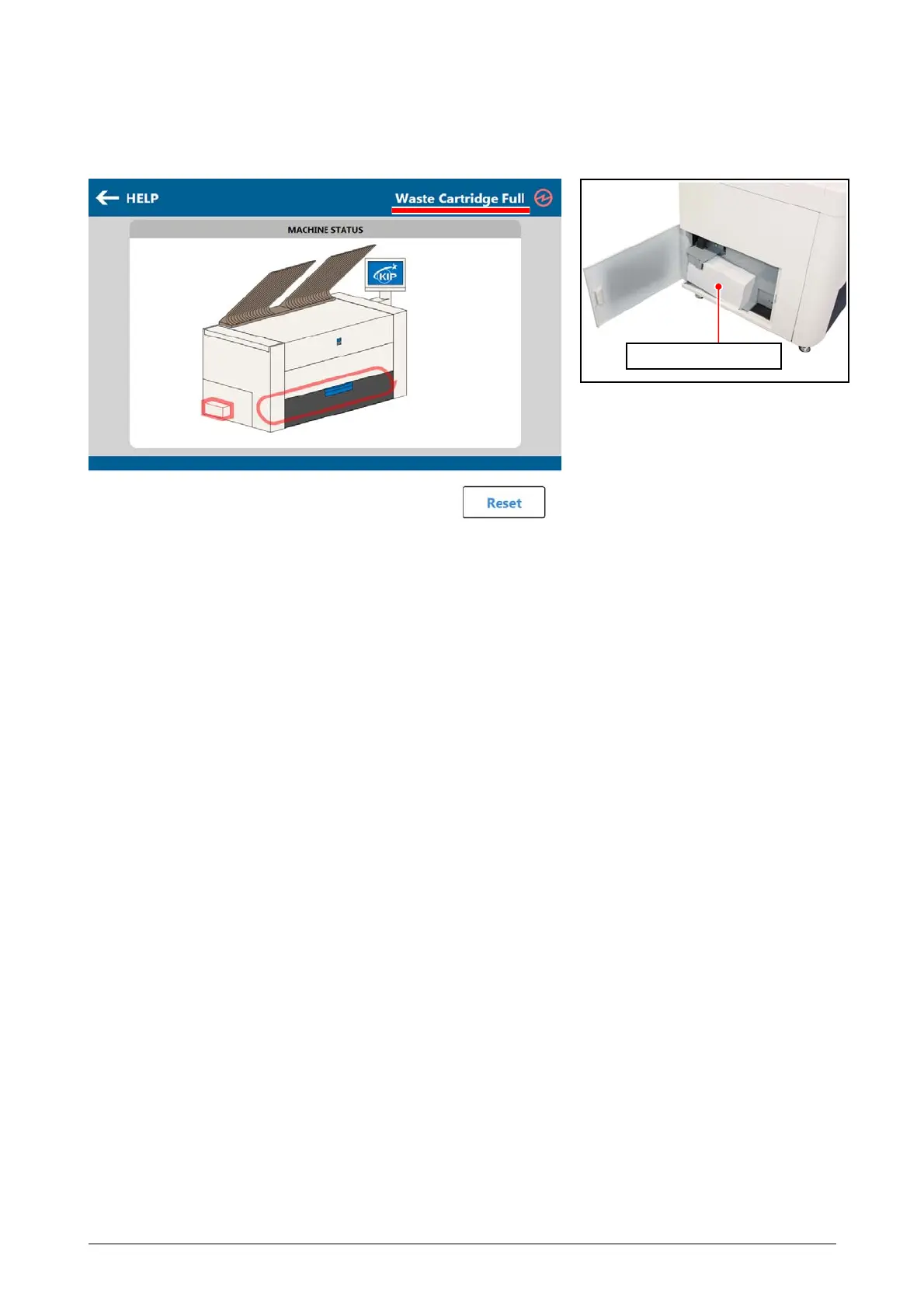
When the Waste Toner Box is full, the UI screen shows “Waste Cartridge Full.”
The printer does not restart operation until the Waste Toner Box is properly replaced.
For replacement procedure, see [2.6 Replacing the Waste Toner Box].
Waste Toner Box



 To Next Page