Chapter 4 Maintenance 4-10
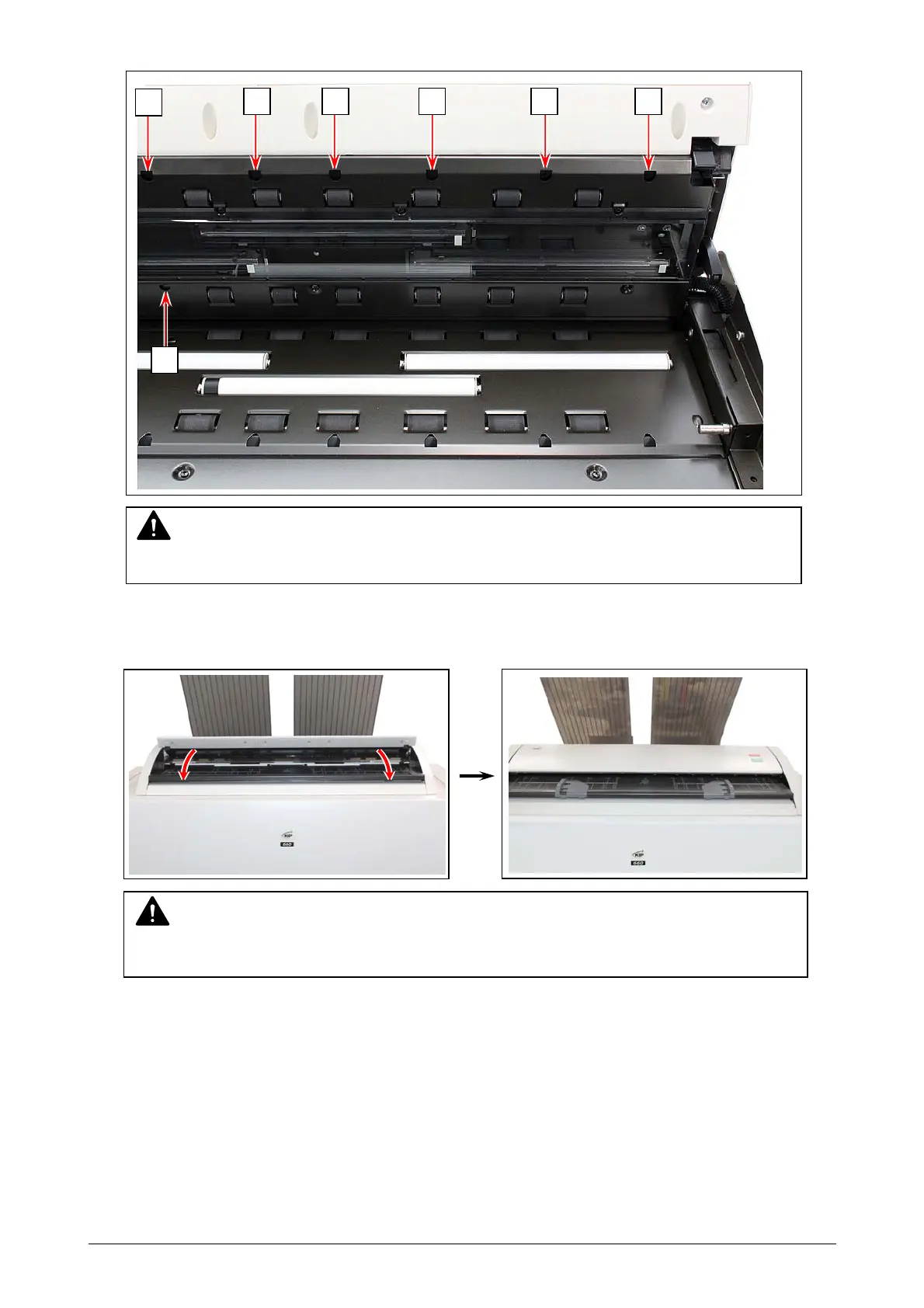
3. Gently wipe Sensors (2) with a dry cotton bud.
4. Gently press Scanner Unit down and firmly close it.
NOTE
Do not use water, organic solvent, glass cleaner or antistatic spray for cleaning.
NOTE
Press down Scanner Unit on both side to close it.
Do not close it by pressing only one side down.
2
2 2 2 2 2
2



 To Next Page