5-6
Refer to page 4-14 for the procedure for ac-
cessing the lint filter switch.
1. Unplug dryer or disconnect power.
2. Turn off gas supply to dryer.
3. Disconnect the wires from the lint filter
switch.
4. Set the ohmmeter to the R X 1 scale.
5. Touch the ohmmeter test leads to the two
switch terminals. The meter should indicate
an open circuit (infinite).
6. Press the switch actuator. The meter should
indicate a closed circuit (0 Ω)
.
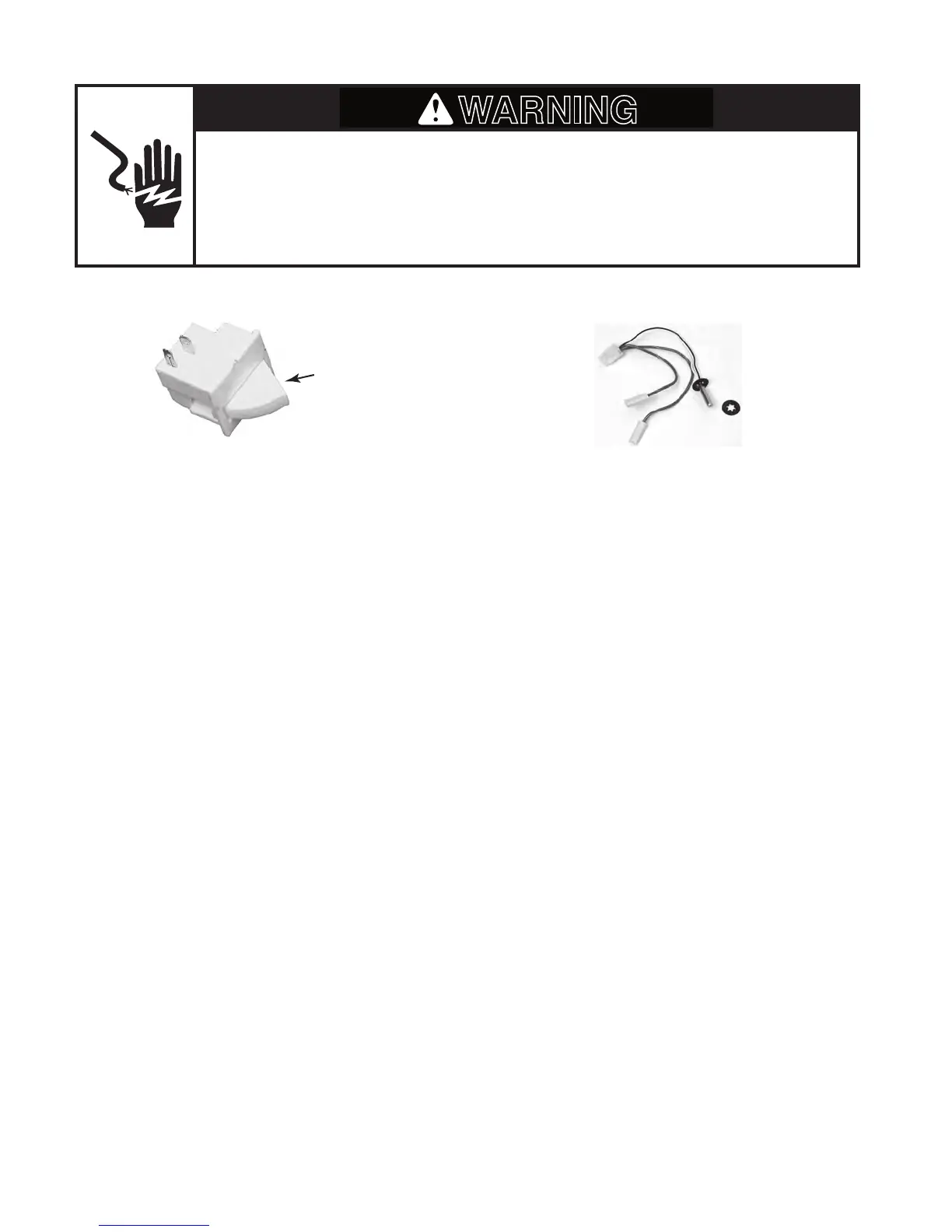
LINT FILTER SWITCH (N.O.)
Refer to page 4-6 for the procedure for access-
ing the temperature sensor.
1. Unplug dryer or disconnect power.
2. Turn off gas supply to dryer.
3. Disconnect the wires from the temperature
sensor.
4. Set the ohmmeter to the diode test setting
(continuity test).
5. Touch the black ohmmeter test lead to the
sensor plug pin with the white wire, and
the red test lead to the pin with the black
wire.
6. The meter should indicate an open circuit
(infinite).
7. Reverse the test leads on the plug pins,
and the meter should read approximately
1.8 Ω.
8
. Keep the ohmmeter leads connected to
the sensor plug pins, as described in step
7, and hold the temperature sensor in your
hand. As the sensor warms up, the resis-
t
ance value should slowly decrease.
TEMPERATURE SENSOR
Switch
Actuator
Electrical Shock Hazard
Disconnect power before servicing.
Replace all parts and panels before operating.
Failure to do so can result in death or electrical shock.



 To Next Page