23
User Guide
Klecard with a new ribbon
installed
After following the steps mentioned at the previous page,
the Klecard printer is ready to operate.
Now you can place the plate and the media on the tray.
1 - Power ON the printer again
2 - Press the Operator Button in order to move
tre tray inward.
3 - The ribbon sensor will detect the ribbon.
You can print your job.
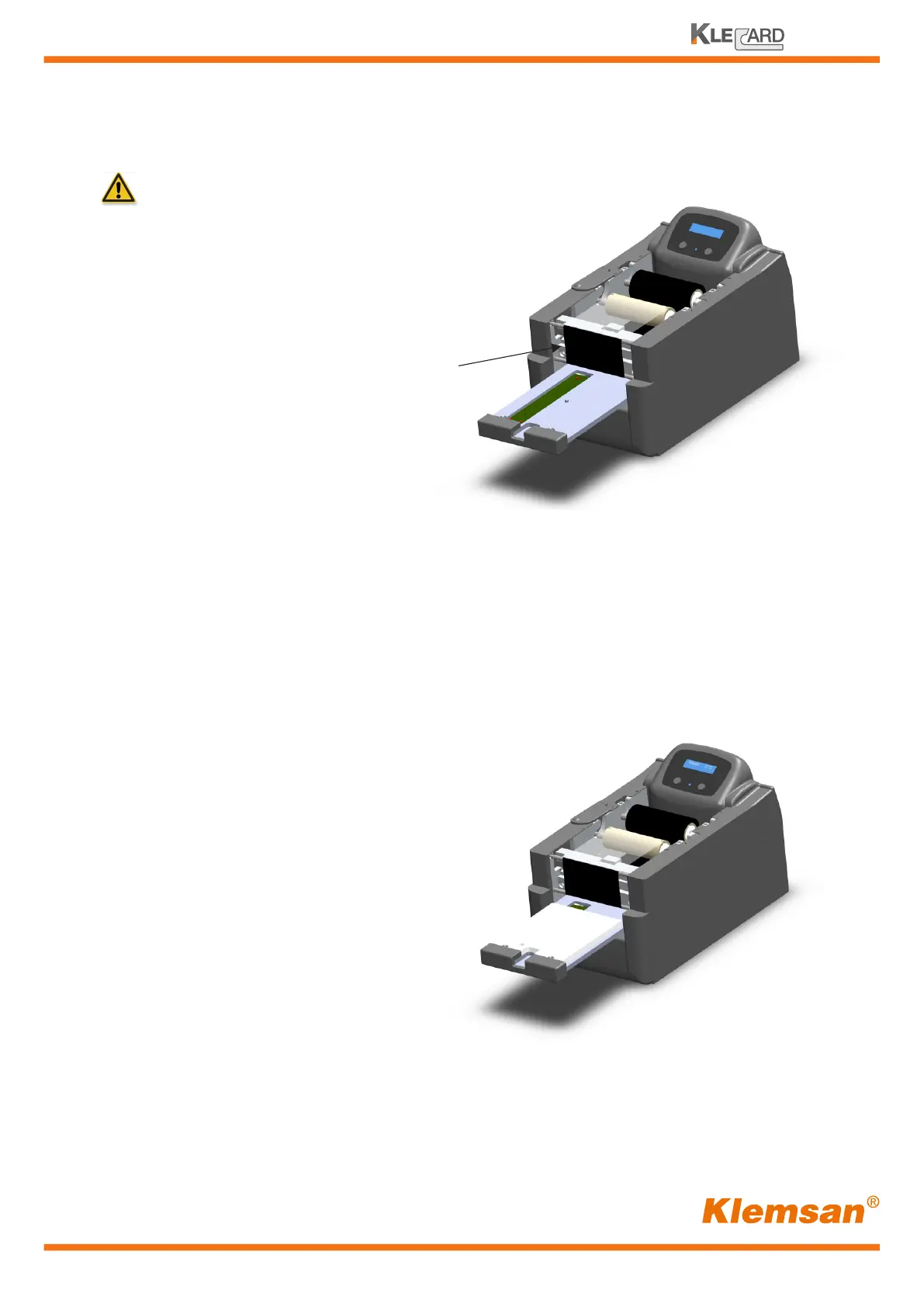
IMPORTANT!
When you put a new ribbon in the printer,
ensure that the colored portion is under the
two front ribbon guides.
Ribbon passes under
the front guides


 To Next Page