77
Digital Astronomic Timer
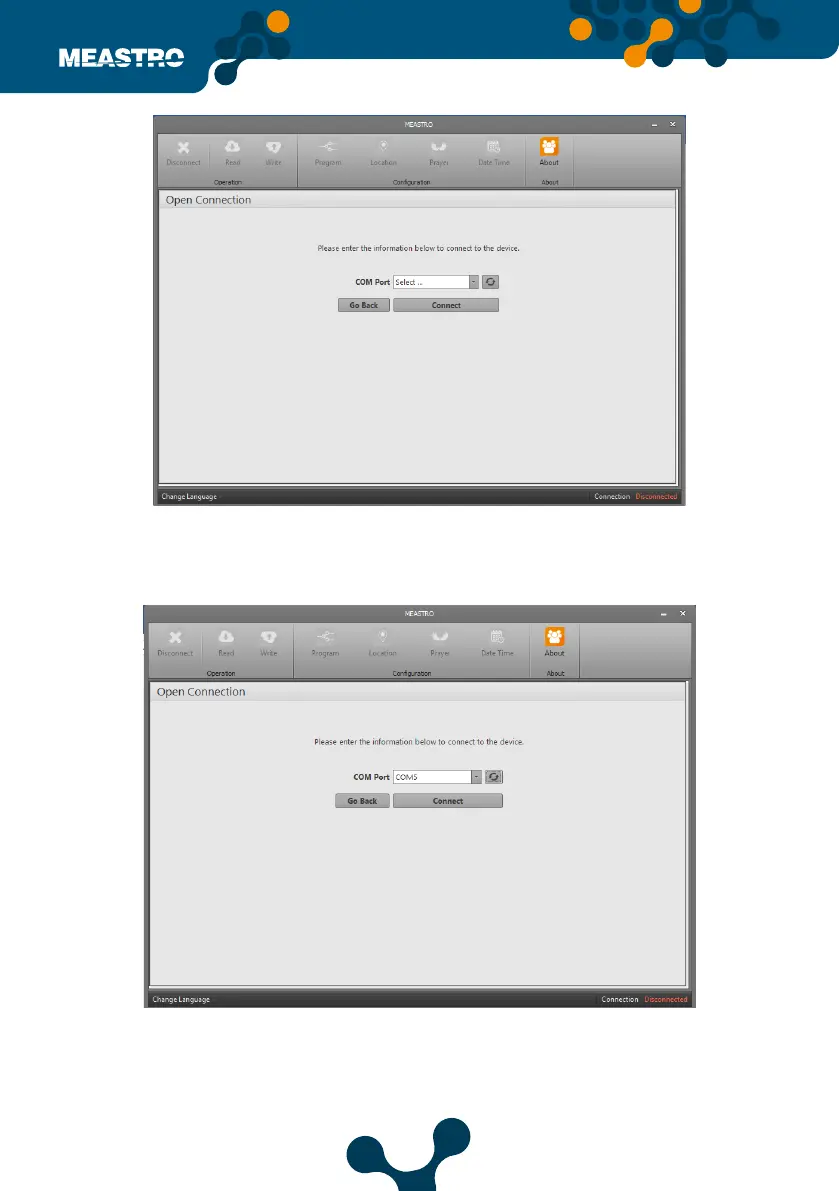
If the correct port does not appear in the list when connected to the PC via the USB cable, click
the ’Refresh’ button, the list will be updated by clicking on it. After ‘COM X’ is selected, click the
‘Connect’ button.
After connection to Meastro-R, ‘Disconnect’ appearance in the lower right corner will appear as
‘Connected via USB’.
When connected to device; Disconnect, Read, Write, Program, Location, Prayer, Date-Time and
About will appear on the screen.
Figure 5-10 Virtual Serial Port
Figure 5-11 Virtual Serial Port


 To Next Page