Back
Next
Index
ERI JPEG files are saved to a JPEG folder. TIFF
RGB files are saved to a TIFF folder. These
folders are created on the CF Card when you
turn processing on (if they don’t already exist)
You cannot capture images to the JPEG or TIFF
folders. If you attempt to do so, the images are
saved in the default folder established in
Properties. You can specify whether the original
.DCR file is saved or deleted once the ERI JPEG
or TIFF RGB file is saved.
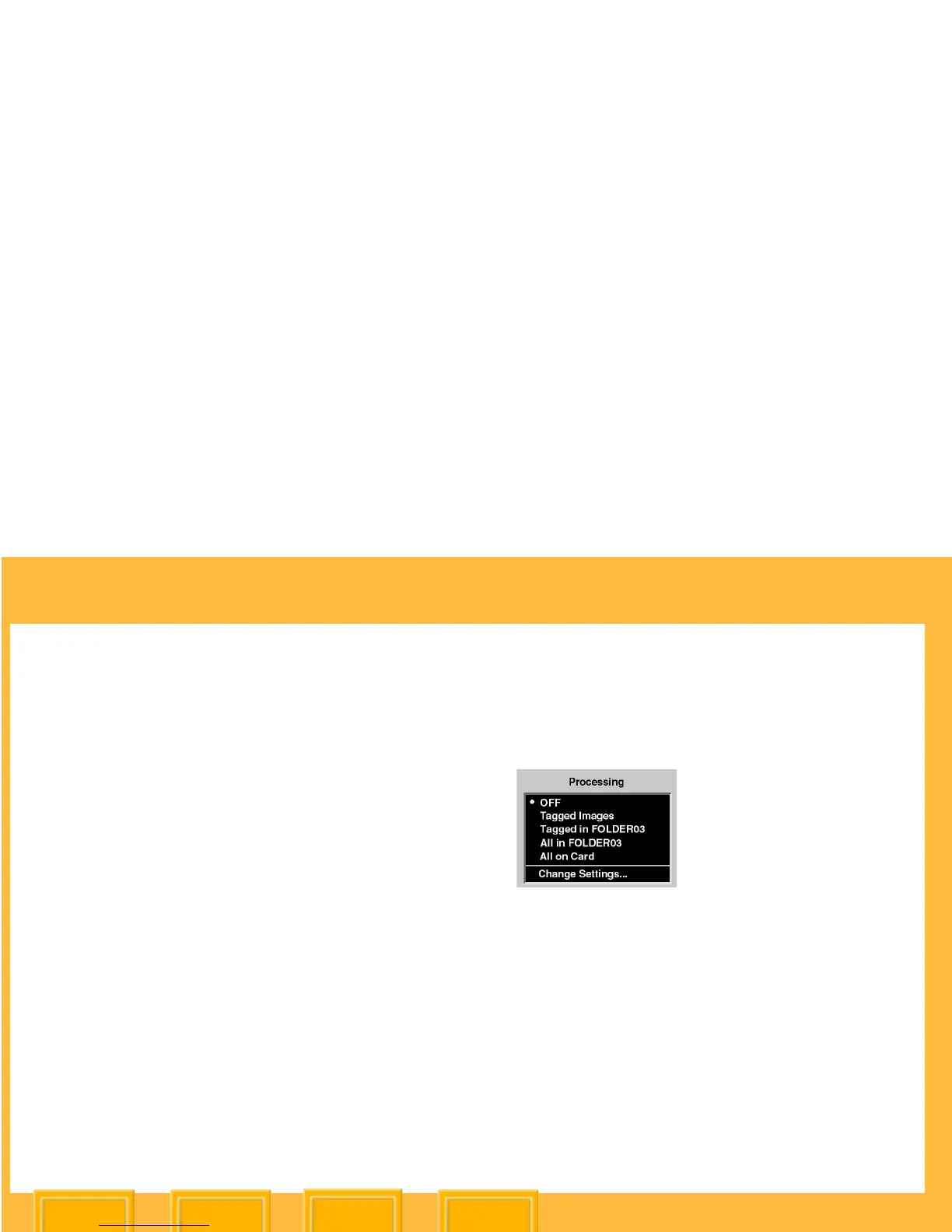
1 Choose Processing from the Main menu.
2 Select an option on the Processing menu.






 To Next Page