Back
Next
Index
Single Image Display Mode
The thumbnail for the current image appears with
the Status bar (page 116) at the left.
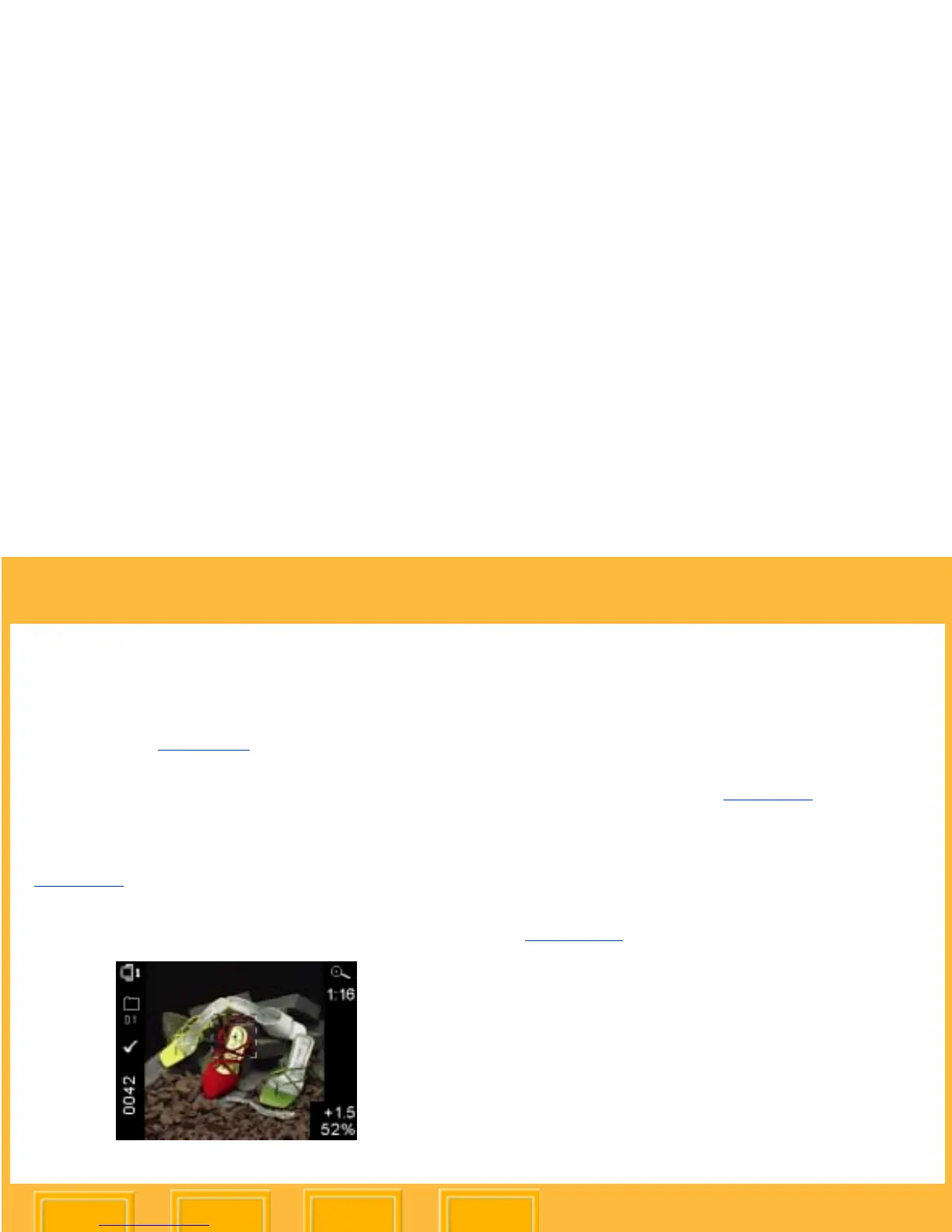
Zoom Display Mode
The thumbnail for the current image appears with
a Region of Interest box and crosshairs
(page 111). The Region of Interest box includes
the area of the image that appears when you
zoom in.
Enabling or Disabling the Region of Interest Box
Press the OK button to enable the Region of
Interest box.
You can pan or zoom when the Region of
Interest box is enabled (page 111).
Press the Cancel button to disable the Region of
Interest box.
You can navigate to a different image when
the Region of Interest box is disabled
(page 109).













 To Next Page