Back
Next
Index
Connecting the Camera to the Computer and Power Supply
Connect the DCS 645 to a computer and a DCS
Pro Back 645 battery or AC adapter.
Connecting to a Computer
In addition to included accessories, you need a
6-pin plug to 4-pin plug IEEE 1394 cable (page
53).
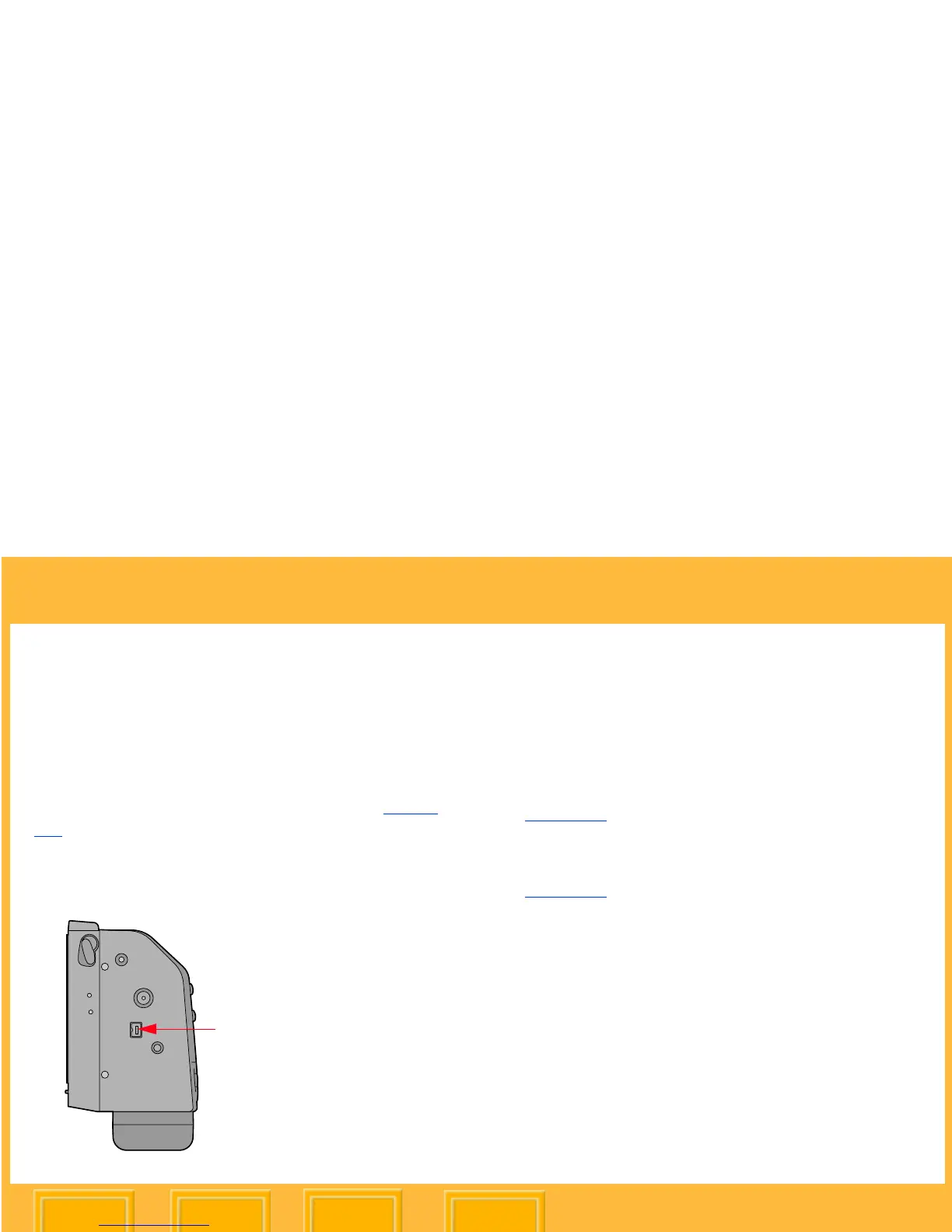
1 Connect the 4-pin plug on the IEEE 1394
cable to the IEEE 1394 port on the DCS 645.
2 Connect the other end of the cable into any
available port on the IEEE 1394 adapter card
on your computer.
3 If using the included AC adapter, connect the
AC adapter cable into the Power port
(page 39) on the DCS 645 and plug the AC
adapter into a wall socket.
If using battery power, attach the battery
(page 63).













 To Next Page