Back
Next
Index
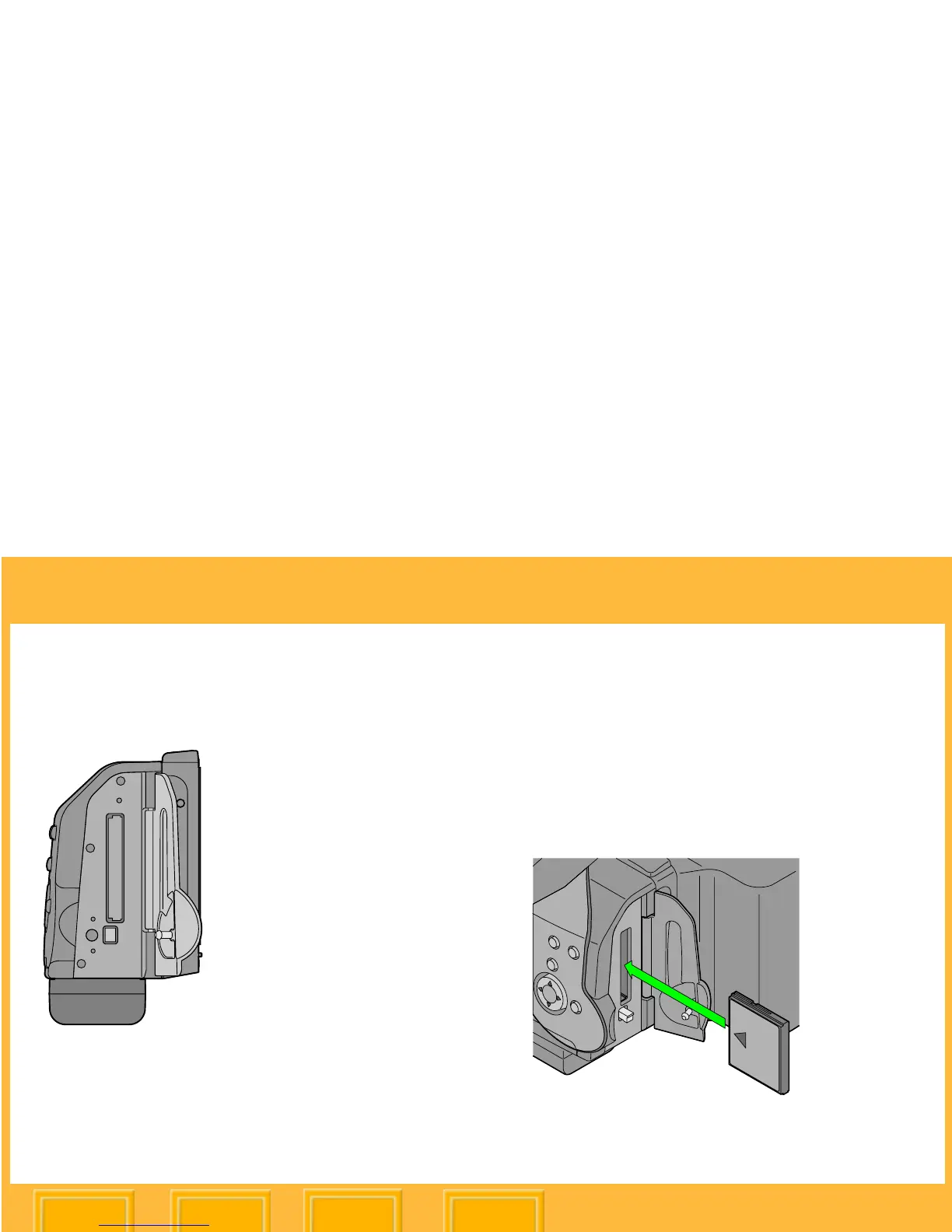
COMPACTFLASH (CF) Cards
The DCS 645 has a slot for a solid state or IBM
MicroDrive COMPACTFLASH+ Type II Card.
☛ When the camera is connected to a
computer and DCS Capture Studio is
running, images are saved to the computer,
regardless of whether a card is present.
Inserting a CF Card
1 Open the Card door.
2 Insert a card in the slot and press firmly until
you feel the card seat. (The card can only be
inserted in one orientation.)
3 Close the Card door.













 To Next Page