Back
Next
Index
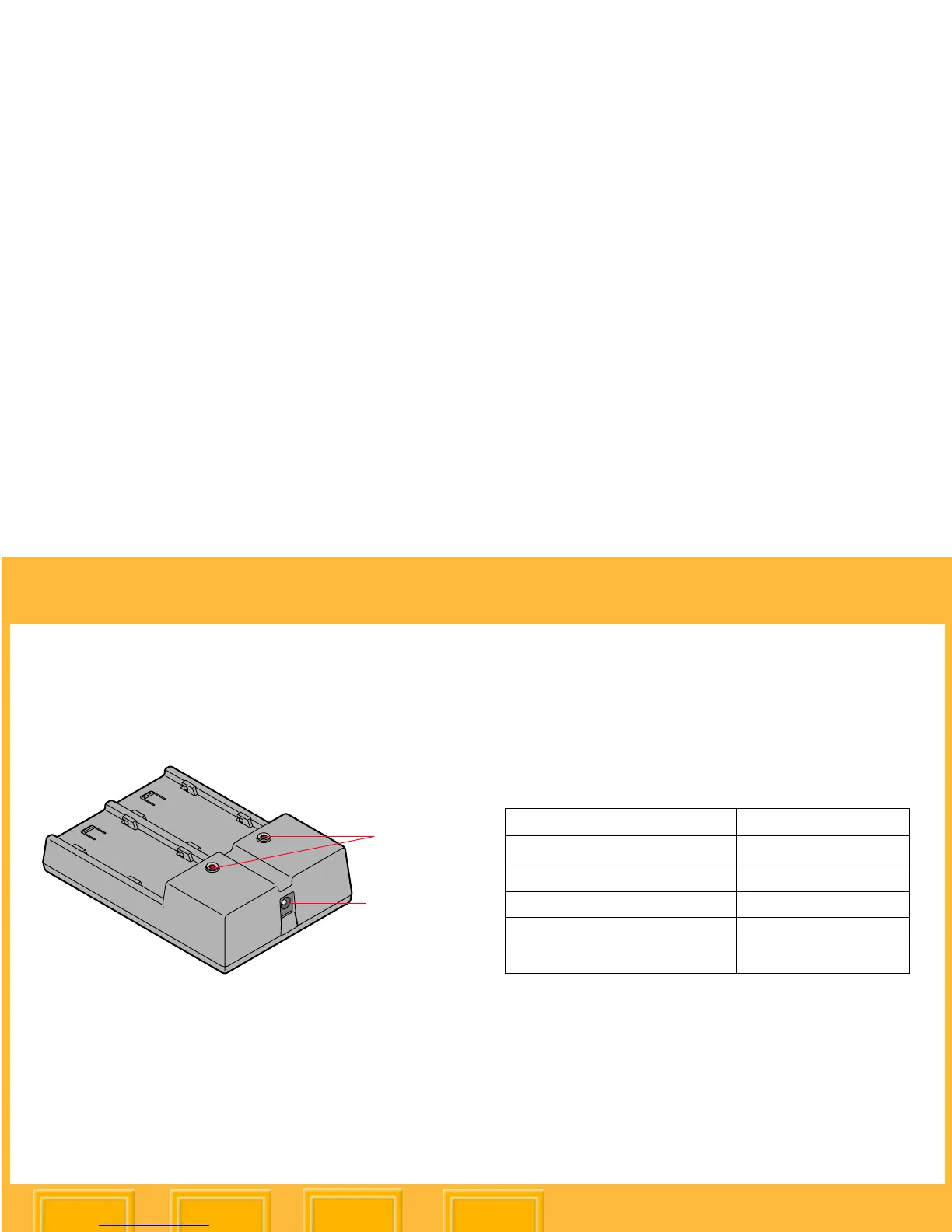
Charging Batteries
1 Plug the cable from the charger’s AC adapter
into the battery charger port.
2 Select the appropriate included international
power cord and plug the AC adapter into a
wall outlet.
3 Insert one or two batteries in the slots in the
battery charger. (Use either slot when
charging only one battery.)
On average, batteries are rapid-charged in
approximately 2 1/2 hours. If two batteries are
inserted, they are charged simultaneously.
The following table shows the battery charger
status as indicated by each state of the LEDs.
☛ When you insert a battery, there is a slight
delay before any LED turns on.
LEDs
Battery
charger port
1
Cannot rapid charge at this time. Slow charge may
be active.
2
Poor contact (reseat battery pack), battery pack is
bad, charger failure.
Battery Charger Status LED Display
Waiting to charge
1
Flashing Yellow
Charging Red
Charged (90% capacity) Flashing Green
Fully charged Green
Fault
2
Flashing Red













 To Next Page