Back
Next
Index
Loading Job Tracker Data from a CF Card
1 Choose Load from Card from the Job Tracker
Data menu.
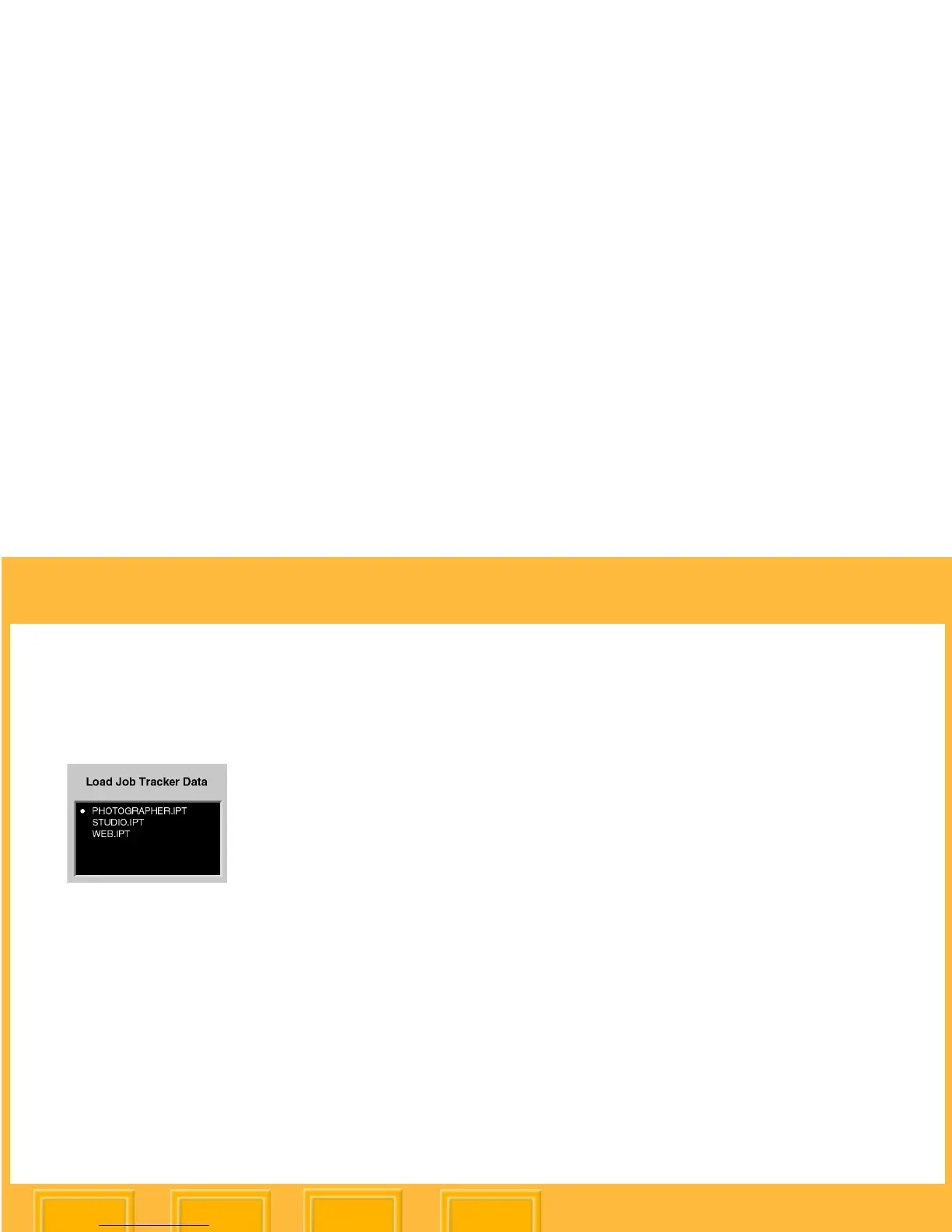
2 Choose a Job Tracker file from the Load Job
Tracker Data menu.
The file is loaded from the CF Card to your
camera.
Each file must have a unique name. If you
attempt to load a file with the same name as
one on your camera, a message asks if you
want to replace the existing file.













 To Next Page