A-61560 January 2010 4-5
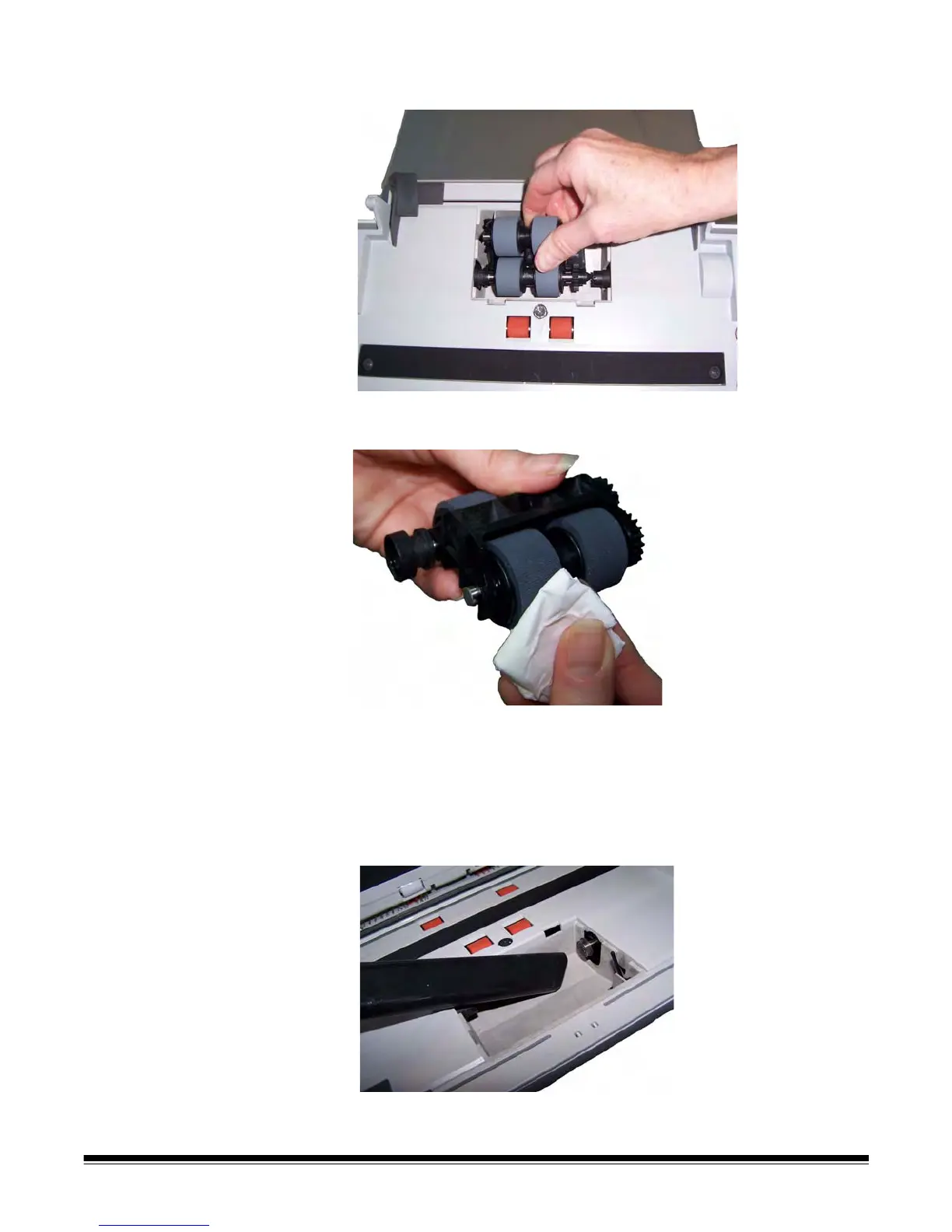
2. Rotate the feed module forward and push it to the left to lift it out of
position.
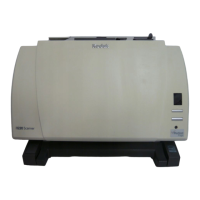
3. Manually rotate and wipe the feed module tires with a roller cleaning
pad.
4. Inspect the feed module.
If the feed module tires show signs of wear or damage, replace the
tires or the feed module. See the “Replacement procedures” for
more information.
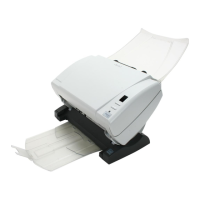
5. Using a vacuum or cleaning pad, remove dust and debris from the
feed module area.



 To Next Page